Faster CNC error resolution with MDCplus
Try it yourself Get guided demo19 January 2026
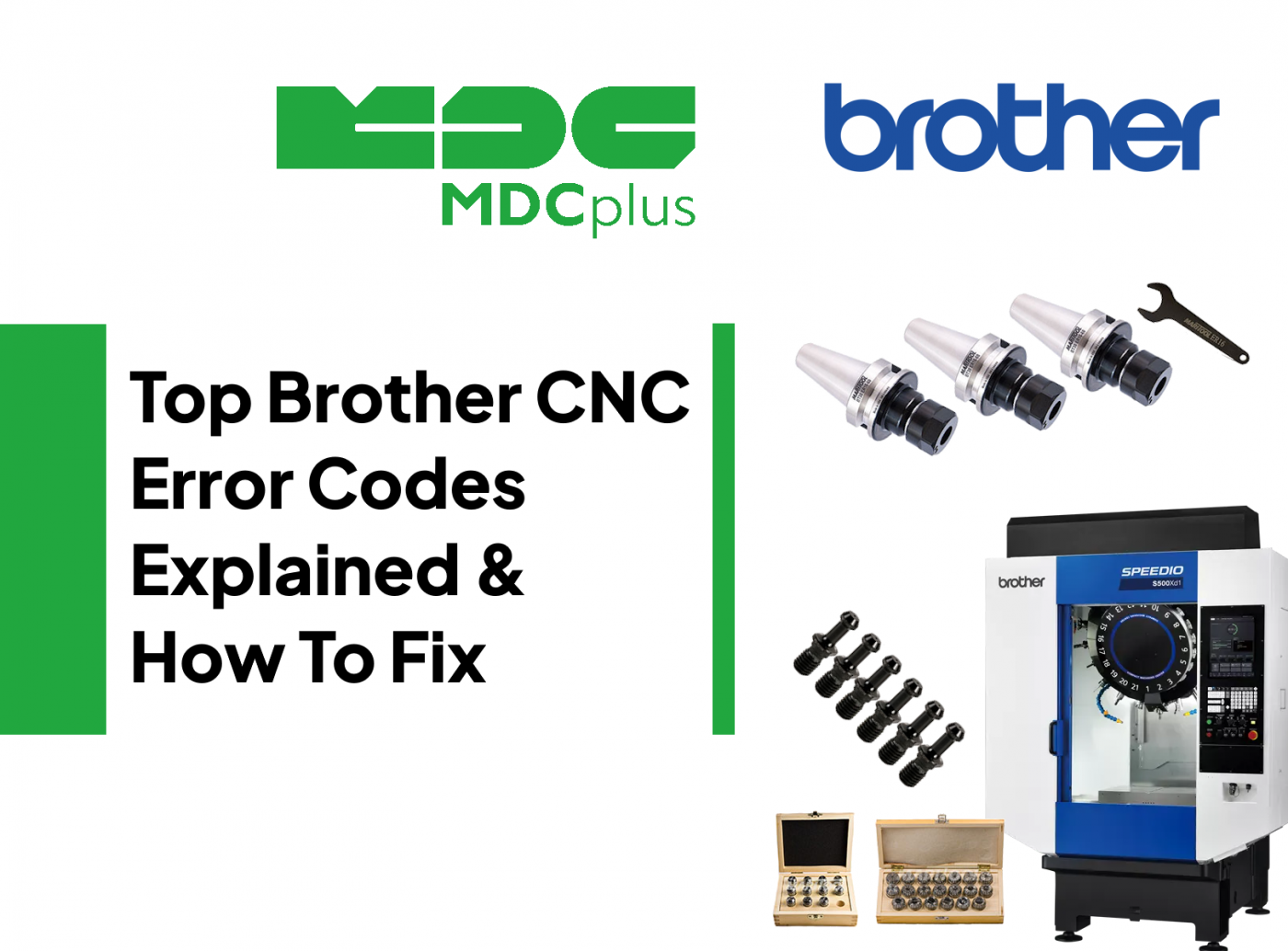
Top Brother CNC Error Codes Explained & How To Fix
This article covers real, frequently encountered Brother CNC alarm codes and operating error conditions, what they actually mean on the machine, and how to troubleshoot them on the shop floor
This guide covers Brother Speedio alarm codes. Brother controls are Fanuc-compatible — many codes share the same structure. For all major brands in one reference, see the CNC Error Codes: Complete Guide for All Brands →
Brother CNC machines, especially compact high-speed models like the SPEEDIO series (C00, C10, C30, C50, A00 controls), are built for aggressive acceleration, short cycle times, and tight synchronization between motion, spindle, tool changer, and I/O. Because of this design, Brother alarms are usually precise and unforgiving: limits are hit fast, sensors must confirm within milliseconds, and any mismatch between offsets, parameters, or feedback is flagged immediately.
Alarm SM4007 - Command Data Range Error
What it means
The control detected a command value in the NC program or parameter set that is outside the allowed range.
Common causes
- Numeric value exceeding control limits
- Incorrect user parameter set for the machine model
- Program generated for a different Brother control version
How to fix
- Check the program line referenced by the alarm
- Correct or reduce the out-of-range value
- Verify that user parameters match the actual machine build
Alarm 6207 - Stroke Limit Exceeded (Z+, X+, etc.)
What it means
An axis moved beyond its configured travel limit.
Common causes
- Incorrect tool length or work offset
- Wrong work zero position
- Axis position lost after power interruption
How to fix
- Verify tool offsets and work coordinates
- Jog the axis back inside the travel range in manual mode
- Re-home the machine if position data is unreliable
Over Travel - Axis Limit Reached
What it means
The axis exceeded its physical or software travel limit and motion is blocked.
Common causes
- Programmed move outside allowable travel
- Incorrect limit or offset configuration
- Loss of absolute position data
How to fix
- Manually jog the axis away from the limit
- Reset the alarm and restore position
- Review limit and offset settings before restarting
Alarm 5000 - Tool Changer Error
What it means
The automatic tool changer sequence failed to complete.
Common causes
- Tool pocket misalignment
- Dirty or failed ATC confirmation sensor
- Low air or hydraulic pressure
How to fix
- Clean and inspect ATC sensors
- Verify correct pressure levels
- Re-home the ATC and test in manual mode
Alarm 3000 - Safety Interlock Active
What it means
A safety condition prevents machine operation.
Common causes
- Door or guard open
- Misaligned or faulty safety switch
How to fix
- Close all doors and guards
- Inspect safety switches and wiring
Brother uses a Fanuc-compatible control — SV/PS/OT codes match → Fanuc alarm codes
Encoder Error / Absolute Position Lost
What it means
The control detected loss or inconsistency of encoder position data, often at startup.
Common causes
- Encoder backup battery depleted
- Loose or damaged encoder cable
- Electrical noise affecting feedback
How to fix
- Replace encoder backup batteries if applicable
- Inspect encoder connectors and cable shielding
- Reset or reinitialize absolute encoder position following the control procedure
Spindle Overload / Overspeed Alarm
What it means
The spindle exceeded allowable load or speed limits.
Common causes
- Excessive cutting load
- Dull or damaged tool
- Incorrect spindle speed command
How to fix
- Reduce feedrate or spindle speed
- Inspect and replace worn tools
- Confirm programmed speeds match machine capability
G-Code / Offset Sequence Errors
What it means
The NC program used an invalid or unsafe sequence of G-codes related to offsets or motion.
Common causes
- Canceling offsets in an unsafe position
- Incorrect order of motion and offset commands
How to fix
- Review the G-code order carefully
- Test corrected sequences in single block mode
I/O or External Signal Not Ready
What it means
An expected external input signal did not confirm within the required time.
Common causes
- Sensor wiring fault
- Incorrect I/O mapping
- External device not reaching its ready state
How to fix
- Check I/O status in the DATA BANK or diagnostics screen
- Inspect wiring and connectors
- Correct I/O configuration if signals are mapped incorrectly
Probing Cycle Error
What it means
An in-process probing routine failed to execute or returned invalid results.
Common causes
- Probe subprogram not found or incorrectly called
- Invalid probing parameters
- Probe signal not detected
How to fix
- Verify probe subprogram location and call structure
- Check probe calibration and wiring
- Test probe function in manual mode
Practical Notes for Brother CNC Machines
Brother CNC alarms are typically direct indicators of real conditions. Stroke limit and over travel alarms almost always come from offset or setup errors, not hardware failure. Encoder-related alarms often point to battery, cabling, or electrical noise issues, especially on machines that have been powered down for long periods. Tool changer and I/O alarms usually indicate sensor confirmation problems caused by contamination, pressure loss, or misalignment.
Because Brother machines operate at very high speeds, small setup errors surface immediately. Use diagnostics screens, DATA BANK I/O views, and single-block testing to isolate the condition that failed instead of repeatedly resetting alarms.
Related resources:
- CNC Error Codes: Complete Guide for All Brands
- Fanuc alarm codes (full list)
- Top free tool life management software for machining
- How to improve CNC cycle time for free
About MDCplus
Our key features are real-time machine monitoring for swift issue resolution, power consumption tracking to promote sustainability, computerized maintenance management to reduce downtime, and vibration diagnostics for predictive maintenance. MDCplus's solutions are tailored for diverse industries, including aerospace, automotive, precision machining, and heavy industry. By delivering actionable insights and fostering seamless integration, we empower manufacturers to boost Overall Equipment Effectiveness (OEE), reduce operational costs, and achieve sustainable growth along with future planning.
Ready to increase your OEE, get clearer vision of your shop floor, and predict sustainably?
Other articles
17.03.2026
CNC Machine Monitoring: Complete Guide for All Brands (2026)
How to monitor CNC machines in real time - Fanuc, Haas, Mazak, Siemens, DMG Mori and more. Protocols, free setup guides, OEE tracking and MDCPlus integration.
Read more
17.03.2026
Free Manufacturing Software: The Ultimate List (2026)
The complete guide to free and open-source manufacturing software - MES, SCADA, ERP, CAD/CAM, WMS, QMS, IIoT and more. 35+ tools reviewed with honest pros, cons and links.
Read more
16.03.2026
OEE & Production KPIs: The Complete Guide for Manufacturers (2026)
Everything you need to measure and improve OEE, downtime, cycle time, and production KPIs. Formulas, benchmarks, free templates, and real-world examples.
Read more
16.03.2026
CNC Error Codes: Complete Guide for All Brands (2026)
This guide covers alarm code systems for every major CNC brand: Fanuc, Haas, Mazak, Siemens Sinumerik, DMG Mori, Heidenhain, Okuma, Mitsubishi, Mori Seiki, Brother, Makino, and Fagor. For each brand you'll find the most common codes, their causes, and the fastest resolution path.
Read more
16.03.2026
How to Start Monitoring Makino CNC for Free (2026)
Connect Makino Pro 5 and Pro 6 machining centers to real-time monitoring via MTConnect and Focas - free setup guide for horizontal and vertical machining centers.
Read more