Don't let errors stop your machines. Try MDCplus
Try it yourself Get guided demo20 February 2026
Top Allen-Bradley ControlLogix & CompactLogix Fault Codes Explained & How To Fix
This guide covers the most frequently encountered Allen-Bradley ControlLogix PLC fault codes and conditions, what they mean in practice, and how to resolve them efficiently.
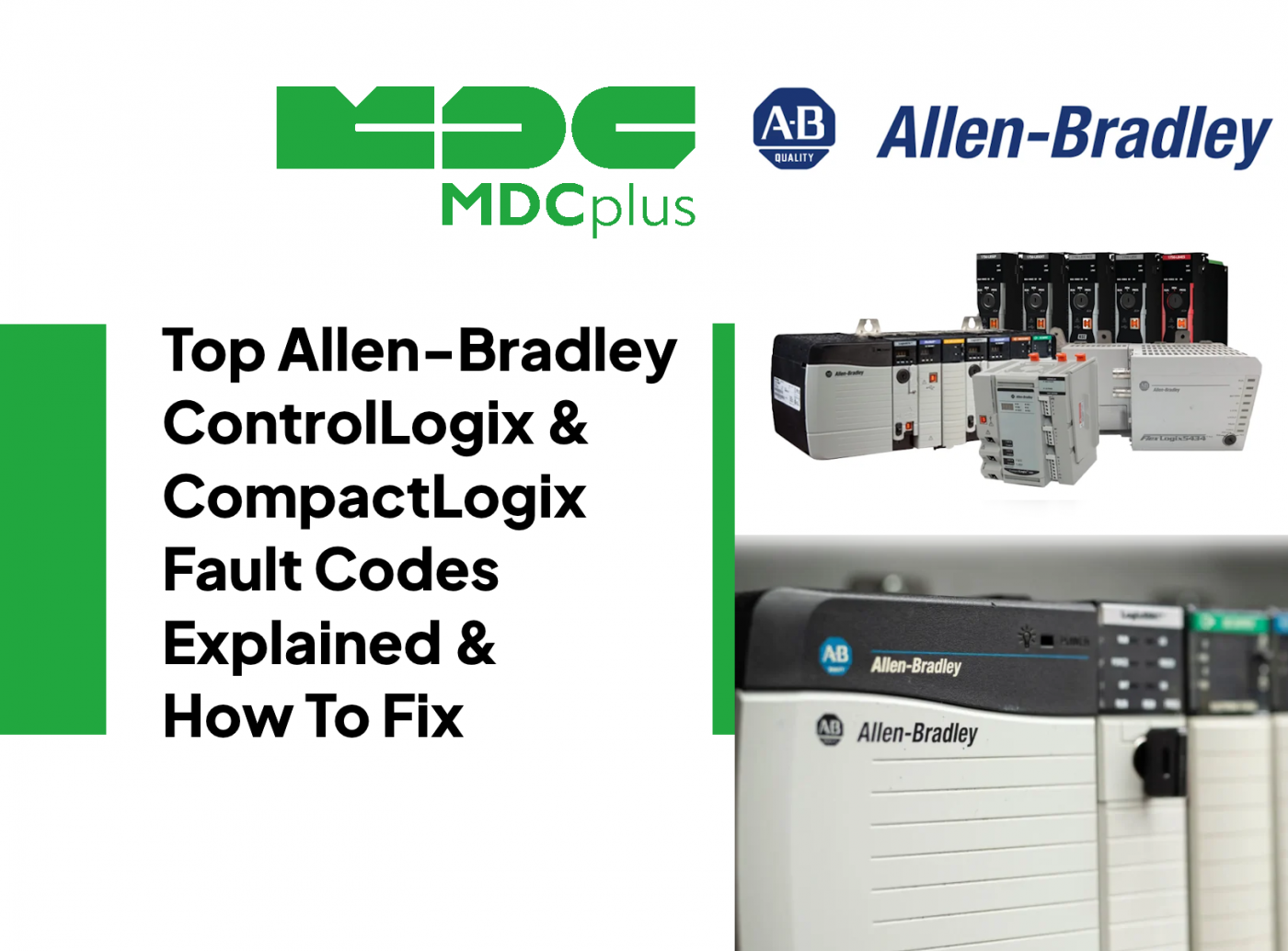
Allen-Bradley ControlLogix and CompactLogix PLCs (Logix 5000 platform, programmed in Studio 5000) report faults as Major Faults, Minor Faults, and module-specific diagnostic codes. These controllers are widely used in CNC machines, packaging lines, robotics, and process systems. Most downtime-related searches involve CPU major faults, I/O connection timeouts, safety task faults, and watchdog conditions.
How Logix Faults Are Structured
- Major Fault - Stops the controller (RUN → FAULT mode)
- Minor Fault - Logged but controller continues running
- Module Fault - I/O or communication module specific
- Task Fault - Program execution issue inside a task
CPU Major Faults (Controller Stops)
On Logix controllers, the fastest way to pinpoint a major fault is to open Controller Properties → Major Faults in Studio 5000 and read the Fault Type and Fault Code. Below are additional high-frequency Type/Code combinations that show up in real plants.
Major Fault Type 1 Code 60 - Controller Faulted Due to Program Error
What it means
A logic instruction caused a runtime error, often math overflow, divide by zero, or invalid array indexing.
Common causes
- Divide by zero in CPT or DIV instruction
- Array index out of bounds
- Indirect addressing error
How to fix
- Open Controller Properties → Major Fault tab in Studio 5000
- Identify faulted routine and rung
- Add boundary checking before math operations
Major Fault Type 4 Code 20 - Non-Recoverable Fault
What it means
The controller detected a serious internal error and halted execution.
Common causes
- Corrupted firmware
- Incompatible firmware revision after update
- Hardware failure
How to fix
- Cycle power
- Verify firmware revision compatibility
- Reflash firmware if required
More Major Fault Type / Code Combinations
Major Fault Type 1 Code 1 - Power-Up Fault (Power-Up Handler)
What it means
When the controller powers up in Run/Remote Run and a Power-Up Handler is configured (or left empty), the controller can generate a major fault Type 1 Code 1 as part of the power-up handling behavior. This is commonly used intentionally so your Power-Up Handler can run logic and then clear the fault record.
Common causes
- Expected behavior when using a Power-Up Handler
- Power restored and controller is configured to fault until the routine clears it
How to fix
- If intentional, clear the fault in the Power-Up Handler using an SSV to the fault record, then continue startup logic
- If not intentional, review Power-Up Handler assignment and startup behavior
Major Fault Type 1 Code 60 - Non-Recoverable Power-Up / Memory Cleared
What it means
A non-recoverable major fault occurred and the controller reset and cleared memory during power-up. This is frequently reported in the field as T01:C60.
Common causes
- Power quality events during power-up
- Hardware instability or a controller anomaly scenario
- Issues tied to power-up image/retentive memory behavior (platform dependent)
How to fix
- Check power supply stability and cabinet grounding
- Inspect the controller for recurring memory loss or repeated T01:C60 after power cycling
- Validate firmware compatibility and consider reflash if symptoms persist
Major Fault Type 1 Code 62 - Power-Up Fault (Non-Recoverable)
What it means
A non-recoverable power-up fault condition. In practice, this is treated as a controller-level fault rather than a normal program error and typically cannot be handled by a standard program fault routine.
Common causes
- Power-up diagnostics condition requiring service attention
- Power events, storage image issues, or controller hardware problems
How to fix
- Review the controller diagnostic information and fault record
- Verify power quality and retentive storage behavior
- If repeatable, plan controller service or replacement after confirming wiring and cabinet health
Major Fault Type 6 Code 1 - Task Watchdog Expired
What it means
A task did not complete within its configured watchdog time. This commonly appears after adding heavy loops, excessive messaging, or poorly bounded routines.
Common causes
- Long-running loops (FOR/WHILE) without bounds or break conditions
- Excessive MSG instructions, comms retries, or blocking AOIs
- Task rate too fast for the amount of logic
How to fix
- Optimize or split heavy routines across tasks
- Reduce MSG load or move comms to a slower periodic task
- Adjust task watchdog only after the logic is cleaned up
Major Fault Type 11 Code 7 - Synchronous Connection Failure
What it means
A synchronous connection incurred a failure. In practice, you will see this in systems with time-sensitive synchronization or tightly coupled connections where a required sync condition was not met.
Common causes
- Network timing and synchronization issues
- Connection configuration mismatch after changes
How to fix
- Review connection status and timing configuration
- Check recent changes to network infrastructure and device revisions
I/O and Module Faults
I/O Connection Timeout
What it means
The controller lost communication with an EtherNet/IP module.
Common causes
- Network cable disconnected
- IP address conflict
- Switch or power issue
How to fix
- Check Ethernet link lights
- Verify module IP settings
- Confirm switch power and configuration
Module Inhibited
What it means
The I/O module is configured but intentionally or automatically inhibited.
Common causes
- Module removed or failed
- Configuration mismatch
How to fix
- Right-click module in Studio 5000 → Properties
- Remove inhibit flag if hardware is present
- Match revision and keying settings
Watchdog and Task Faults
Task Watchdog Timeout
What it means
A task exceeded its configured execution time.
Common causes
- Large loops or inefficient logic
- Excessive messaging instructions
How to fix
- Review task properties → Watchdog time
- Optimize program structure
- Break heavy routines into smaller periodic tasks
Battery and Memory Warnings
Battery Low Warning
What it means
Backup battery voltage is below acceptable level.
Common causes
- Aging battery
How to fix
- Replace battery while controller is powered
- Verify program retention after replacement
Communication Faults
CIP Connection Failure
What it means
A configured EtherNet/IP device failed to establish a CIP connection.
Common causes
- Incorrect RPI setting
- Device powered off
- Network overload
How to fix
- Verify Requested Packet Interval (RPI)
- Confirm device power and firmware
- Check network utilization
Practical Troubleshooting Strategy
For ControlLogix and CompactLogix systems, always start with diagnostics inside Studio 5000. The Major Fault tab provides the exact fault type and code. For I/O issues, check module properties and connection status before replacing hardware. For watchdog faults, review recent code changes and scan time. In many cases, faults originate from configuration mismatches or network instability rather than hardware failure.
Maintaining firmware consistency, proper grounding, stable Ethernet infrastructure, and clean project backups significantly reduces recurring Logix platform downtime.
About MDCplus
Our key features are real-time machine monitoring for swift issue resolution, power consumption tracking to promote sustainability, computerized maintenance management to reduce downtime, and vibration diagnostics for predictive maintenance. MDCplus's solutions are tailored for diverse industries, including aerospace, automotive, precision machining, and heavy industry. By delivering actionable insights and fostering seamless integration, we empower manufacturers to boost Overall Equipment Effectiveness (OEE), reduce operational costs, and achieve sustainable growth along with future planning.
Ready to increase your OEE, get clearer vision of your shop floor, and predict sustainably?
Other articles
17.03.2026
CNC Machine Monitoring: Complete Guide for All Brands (2026)
How to monitor CNC machines in real time - Fanuc, Haas, Mazak, Siemens, DMG Mori and more. Protocols, free setup guides, OEE tracking and MDCPlus integration.
Read more
17.03.2026
Free Manufacturing Software: The Ultimate List (2026)
The complete guide to free and open-source manufacturing software - MES, SCADA, ERP, CAD/CAM, WMS, QMS, IIoT and more. 35+ tools reviewed with honest pros, cons and links.
Read more
16.03.2026
OEE & Production KPIs: The Complete Guide for Manufacturers (2026)
Everything you need to measure and improve OEE, downtime, cycle time, and production KPIs. Formulas, benchmarks, free templates, and real-world examples.
Read more
16.03.2026
CNC Error Codes: Complete Guide for All Brands (2026)
This guide covers alarm code systems for every major CNC brand: Fanuc, Haas, Mazak, Siemens Sinumerik, DMG Mori, Heidenhain, Okuma, Mitsubishi, Mori Seiki, Brother, Makino, and Fagor. For each brand you'll find the most common codes, their causes, and the fastest resolution path.
Read more
16.03.2026
How to Start Monitoring Makino CNC for Free (2026)
Connect Makino Pro 5 and Pro 6 machining centers to real-time monitoring via MTConnect and Focas - free setup guide for horizontal and vertical machining centers.
Read more