No errors slip past MDCplus
Try it yourself Get guided demo19 February 2026
Top Mitsubishi PLC Error Codes Explained & How To Fix
This article covers the most frequently encountered Mitsubishi PLC errors across CPU, I/O, communication, memory, and program execution layers, and explains how to troubleshoot them systematically.
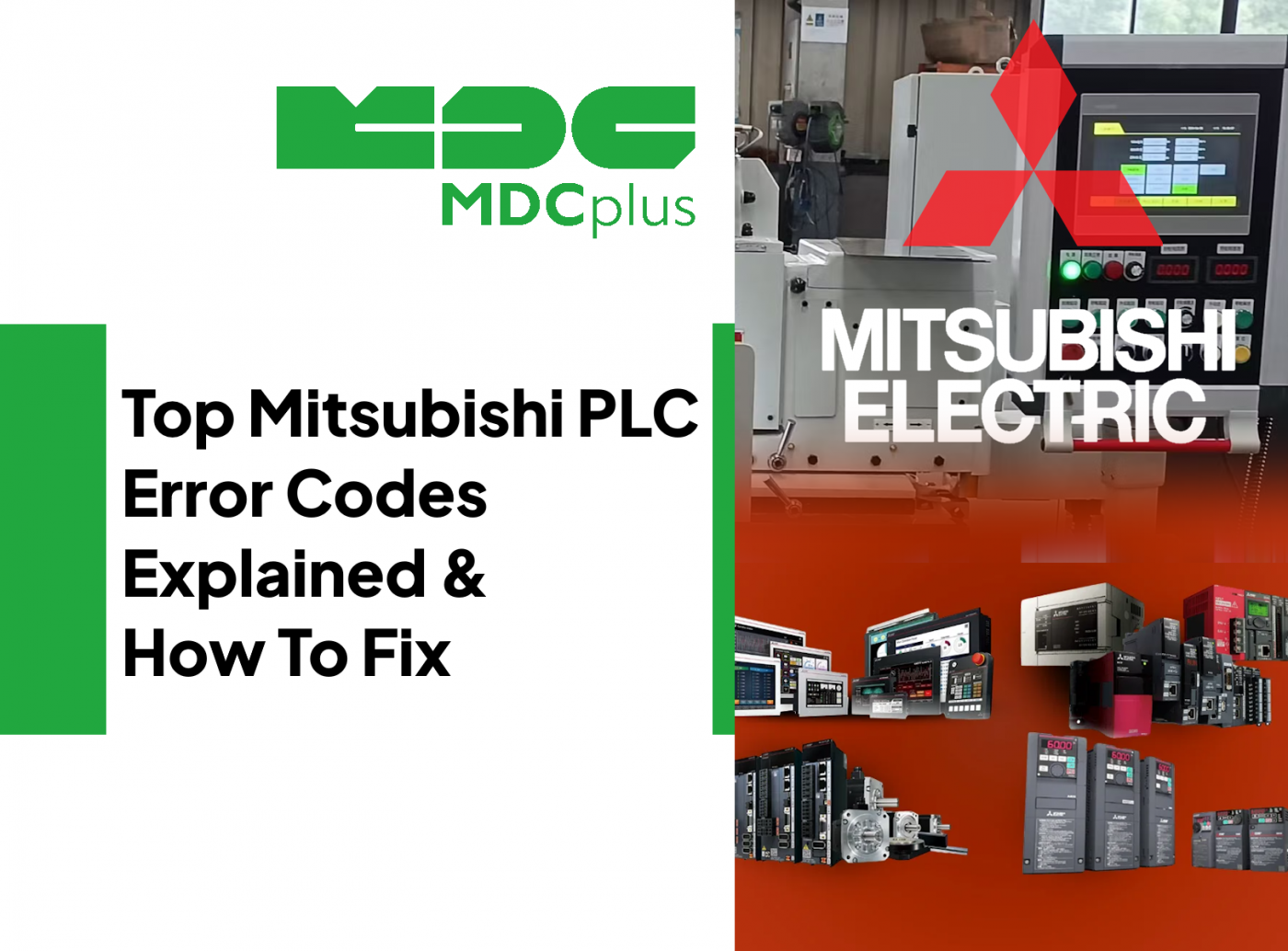
Mitsubishi PLC systems such as FX3U / FX5U (iQ-F), Q Series, and iQ-R are widely used in CNC machines, automation cells, pallet systems, and auxiliary equipment. When faults occur, they are typically displayed as numeric error codes in GX Developer / GX Works, on the HMI, or via CPU LED indicators (ERR, RUN, BATT).
How to Read Mitsubishi PLC Errors
- Identify the module: CPU, power supply, I/O, motion, communication.
- Check LED indicators: RUN, ERR, BATT, ALM.
- Open diagnostics in GX Works: Error history provides detailed context.
- Separate PLC logic errors from hardware faults.
CPU and System Errors
Error 4100 - Parameter Error
What it means
Invalid or inconsistent PLC parameters detected during startup or after download.
Common causes
- Incorrect I/O configuration
- Parameter mismatch after module replacement
- Corrupted parameter file
How to fix
- Verify module configuration matches hardware layout
- Rewrite parameters from a known-good project
- Power cycle after confirming parameter integrity
Error 4500 - CPU Module Error
What it means
Internal CPU fault detected. The PLC may stop or enter error mode.
Common causes
- Overheating
- Power instability
- Internal hardware failure
How to fix
- Check cabinet cooling and ventilation
- Verify stable 24VDC and main supply
- If persistent, replace CPU module
Error 6200 - Clock Data Error
What it means
Real-time clock data is invalid or battery-backed memory is compromised.
Common causes
- Battery failure
- Memory corruption
How to fix
- Replace PLC battery
- Reinitialize clock settings
- Restore project if needed
Battery and Memory Errors
Error 6700 - Battery Voltage Low
What it means
Backup battery voltage dropped below safe level.
Common causes
- Aging battery
How to fix
- Replace battery immediately
- Back up program before replacement
Error 2400 - Memory Error
What it means
Internal memory inconsistency detected.
Common causes
- Improper shutdown
- Flash memory degradation
How to fix
- Reload PLC program
- If repeated, replace CPU module
I/O and Module Errors
Error 2100 - I/O Bus Error
What it means
Communication failure between CPU and I/O module.
Common causes
- Loose base connector
- Faulty expansion module
- Incorrect module addressing
How to fix
- Power down and reseat modules
- Check base unit connections
- Replace suspected module if error follows it
Error 2101 - Module Missing
What it means
Configured module not detected by CPU.
Common causes
- Module removed or failed
- Wrong hardware configuration in project
How to fix
- Verify physical module presence
- Match GX Works configuration to actual rack
Communication Errors
Error 2220 - CC-Link Communication Error
What it means
Loss of communication on CC-Link network.
Common causes
- Broken or loose cable
- Incorrect station number
- Noise or termination issues
How to fix
- Inspect and reseat CC-Link cables
- Verify network configuration
- Check termination resistors
Error 4000 - PLC Watchdog Timer Error
What it means
Scan cycle exceeded allowable time. PLC program may be too heavy or stuck in a loop.
Common causes
- Infinite loop in logic
- Excessive communication load
How to fix
- Review recent logic changes
- Optimize scan time
- Test sections of code incrementally
Programming Errors
Error 2050 - Program Syntax Error
What it means
Invalid instruction or syntax detected during compile or execution.
Common causes
- Incorrect ladder instruction
- Unsupported function block
How to fix
- Review compile messages in GX Works
- Correct instruction usage
Error 2060 - Illegal Instruction Execution
What it means
Instruction executed in an invalid context (wrong device type or mode).
Common causes
- Wrong operand type
- Incorrect device range
How to fix
- Verify device types and addressing
- Test instruction in simplified routine
Practical Troubleshooting Strategy
For Mitsubishi PLC systems, always begin with power quality and module seating before diving into code. Many I/O and bus errors are mechanical connection issues. If the error is scan-related (watchdog), focus on recent logic modifications. If battery or memory errors appear, back up immediately and plan preventive replacement.
Consistent maintenance of cabinet cooling, clean power supply, and regular project backups significantly reduces recurring PLC downtime.
About MDCplus
Our key features are real-time machine monitoring for swift issue resolution, power consumption tracking to promote sustainability, computerized maintenance management to reduce downtime, and vibration diagnostics for predictive maintenance. MDCplus's solutions are tailored for diverse industries, including aerospace, automotive, precision machining, and heavy industry. By delivering actionable insights and fostering seamless integration, we empower manufacturers to boost Overall Equipment Effectiveness (OEE), reduce operational costs, and achieve sustainable growth along with future planning.
Ready to increase your OEE, get clearer vision of your shop floor, and predict sustainably?
Other articles
17.03.2026
CNC Machine Monitoring: Complete Guide for All Brands (2026)
How to monitor CNC machines in real time - Fanuc, Haas, Mazak, Siemens, DMG Mori and more. Protocols, free setup guides, OEE tracking and MDCPlus integration.
Read more
17.03.2026
Free Manufacturing Software: The Ultimate List (2026)
The complete guide to free and open-source manufacturing software - MES, SCADA, ERP, CAD/CAM, WMS, QMS, IIoT and more. 35+ tools reviewed with honest pros, cons and links.
Read more
16.03.2026
OEE & Production KPIs: The Complete Guide for Manufacturers (2026)
Everything you need to measure and improve OEE, downtime, cycle time, and production KPIs. Formulas, benchmarks, free templates, and real-world examples.
Read more
16.03.2026
CNC Error Codes: Complete Guide for All Brands (2026)
This guide covers alarm code systems for every major CNC brand: Fanuc, Haas, Mazak, Siemens Sinumerik, DMG Mori, Heidenhain, Okuma, Mitsubishi, Mori Seiki, Brother, Makino, and Fagor. For each brand you'll find the most common codes, their causes, and the fastest resolution path.
Read more
16.03.2026
How to Start Monitoring Makino CNC for Free (2026)
Connect Makino Pro 5 and Pro 6 machining centers to real-time monitoring via MTConnect and Focas - free setup guide for horizontal and vertical machining centers.
Read more