Faster CNC error resolution with MDCplus
Try it yourself Get guided demo30 January 2026
Top Fagor CNC Error Codes Explained & How To Fix
This article lists high-frequency, real-world Fagor CNC errors that are commonly searched, grouped by how they behave on the shop floor, plus practical fixes that work on 8055/8065-class machines
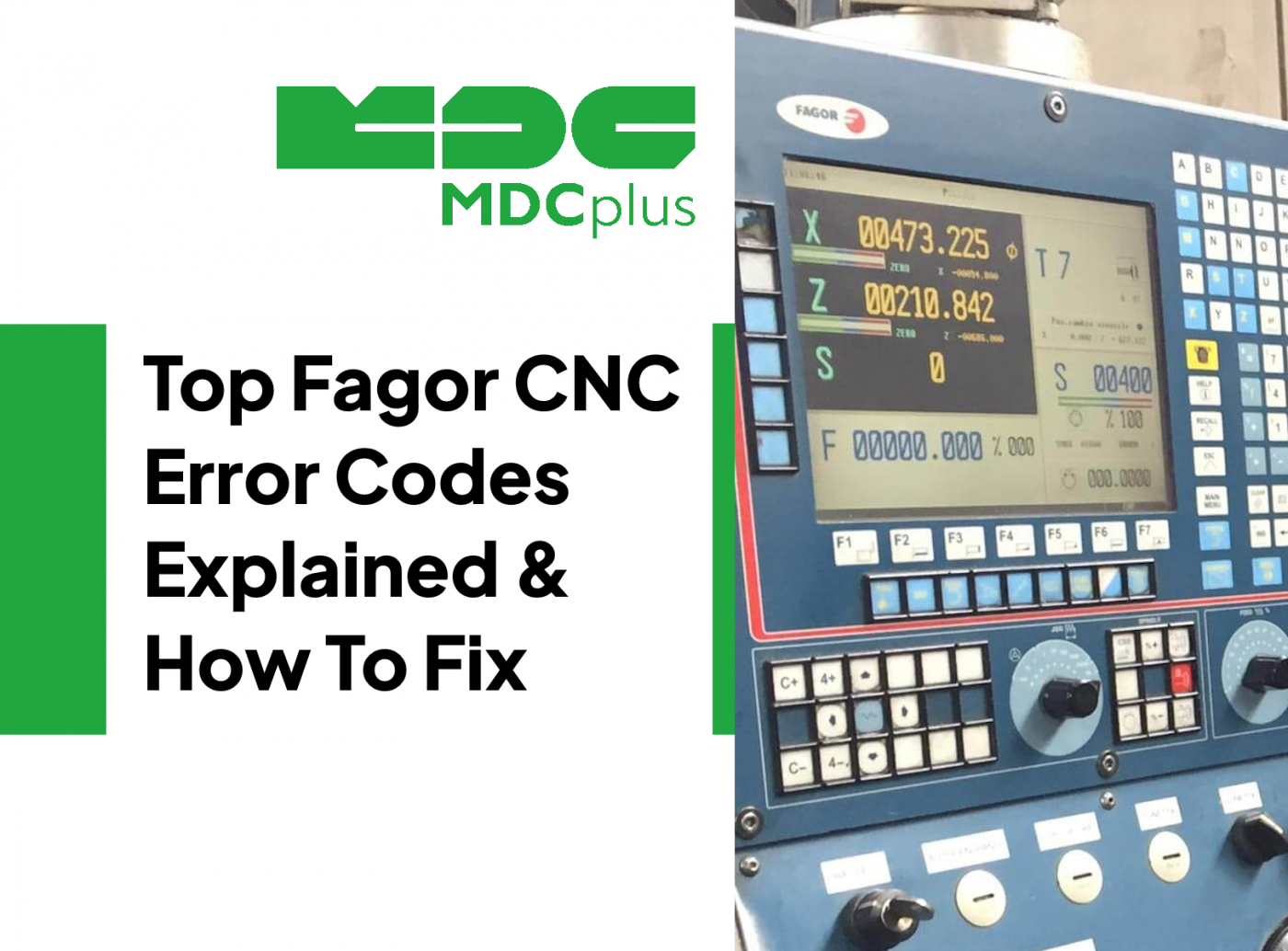
This guide covers Fagor 8055 and 8065 error codes with resolution procedures. For alarm systems across all major CNC brands, see the CNC Error Codes: Complete Guide for All Brands →
Fagor CNC controls (commonly 8035, 8055, 8060, 8065 and newer CNCelite variants) use structured error numbers that point to specific failures across motion (axes and spindle), PLC/sequence logic, communications (Sercos/CAN/Ethernet), program execution, and configuration files. Many “mystery” downtime incidents on older Fagor installations come down to three things: unstable feedback, missing readiness confirmations (PLC), or configuration and storage integrity.
Legacy and common Fagor CNC families (context)
- 8035 (milling/turning variants, older but widely installed)
- 8055 / 8055i (milling/turning, often with Sercos/CAN drive networks)
- 8060 / 8065 (higher-end, frequently seen on routers and custom machines)
- CNCelite 8058 / 8060 / 8065 / 8070 (newer platform, similar troubleshooting logic)
How to read Fagor alarms fast
- Identify the layer: CNC execution error vs PLC/sequence condition vs drive/feedback vs communications.
- Check which axis/spindle is named (X/Y/Z, gantry master/slave, spindle).
- Confirm readiness signals: pressure OK, door locked, clamp confirmed, drive ready, reference done.
- Do not tune around a mechanical problem: following error alarms often point to binding, lubrication, or feedback issues.
Axis motion and servo-related errors
3702 - Axis following error out of limit
What it means
The axis following error exceeded the allowed threshold (set by machine parameters). The CNC commanded motion, but the axis could not keep up.
Common causes
- Axis not properly adjusted (tuning or gains incorrect)
- Drive not enabled or drive fault present
- Motor, drive, or feedback (encoder) failure
- Mechanical resistance: binding, contamination, lack of lubrication
How to fix
- Check the axis is enabled and the drive shows READY (not just powered)
- Inspect mechanics: way covers, ballscrews, lubrication delivery, axis load
- Inspect encoder cables/connectors and shielding continuity
- If it happens only at high accel, reduce accel temporarily and validate tuning
3700 - Axis travel limit overrun
What it means
The PLC tried to overrun the axis travel limits during motion.
Common causes
- Program command outside travel
- Incorrect offset/work zero
- PLC sequence called a move without prerequisites
How to fix
- Check the program block and offsets (work and tool)
- Jog away from the limit in manual mode
- Confirm reference/home is valid and not lost after power events
3701 - The reference position is beyond the software limits
What it means
During parameter validation, the configured reference value exceeds the software travel limits.
Common causes
- Incorrect REFVALUE parameter
- Wrong software travel limits for the machine
How to fix
- Correct REFVALUE and validate travel limits against actual machine stroke
- Re-validate machine parameters after changes
3703 - Positive software travel limit overrun
What it means
The axis position exceeded the positive software limit.
Common causes
- Bad work offset or tool length
- Wrong program geometry or wrong plane/units
How to fix
- Verify offsets and program coordinate system
- Jog to a safe position, then correct the setup before restarting
Also working with European control systems? See → Siemens Sinumerik alarm codes
Spindle and feed-per-rev execution errors
3809 - Zero spindle speed programmed in G95
What it means
The program uses feed per revolution mode (G95), but spindle speed is zero, so feed cannot be computed.
Common causes
- Missing spindle speed command (S-word)
- Spindle not started (missing M3/M4 or interlock prevented start)
How to fix
- Program a valid spindle speed and start command before G95 moves
- Check spindle start prerequisites (doors, chuck clamp, lube, drive ready)
Communications and drive network errors
4000 - Sercos ring error
What it means
The Sercos communications ring has an error. The CNC cannot maintain stable communication with drives or I/O on the Sercos network.
Common causes
- Fiber/cable disconnected or poorly seated
- Damaged cable, dirty fiber ends, or bent connectors
- Noise/grounding issues or failing node module
How to fix
- Power down and reseat Sercos connections end-to-end
- Inspect cables for tight bends and contamination
- Check cabinet grounding and shielding continuity
- If the error persists, isolate by disconnecting segments (OEM procedure)
Drive fault E215 - Power bus voltage too high (drive-side)
What it means
A Fagor drive reported DC bus overvoltage. This often occurs during deceleration or when an axis is back-driven and regeneration energy is not being absorbed.
Common causes
- Regenerative resistor or braking circuit fault
- Axis back-driving (gravity axis) with insufficient braking absorption
- Incoming line voltage spikes
How to fix
- Inspect regen resistor, wiring, and thermal protection
- Check cabinet line voltage stability and phase balance
- Review Z-axis (or vertical axis) counterbalance and brake behavior
Configuration, PLC, and data integrity errors
3007 - Configuration file corrupted
What it means
The CNC detected an error in a configuration file used by a screen or feature.
Common causes
- File corruption after improper shutdown
- Storage media aging (CF/flash issues on older systems)
How to fix
- Exit the screen/feature and re-enter (temporary workaround)
- Restore configuration from a known-good backup
- If recurring, check storage health and replace media
3008 - PLC program too large
What it means
The PLC program exceeded the maximum allowed size.
Common causes
- PLC update or modification exceeded platform limits
- Wrong PLC build loaded for this control variant
How to fix
- Load the correct PLC project/version for the machine
- Reduce PLC program size (OEM integrator task)
Programming and syntax errors that get searched a lot
8459 - Function or variable does not exist in the lathe model
What it means
A program uses a function/variable that belongs to the mill model, but the control is running a lathe model program (or file type mismatch).
Common causes
- Wrong program type (mill vs lathe) or wrong file naming/type
- Postprocessor output not matched to the machine model
How to fix
- Confirm the program model and file type match the machine (mill vs lathe)
- Fix the postprocessor to generate the correct dialect
8488 - Number of repetitions not admitted
What it means
A repetition count is used in an invalid context (the control only accepts it in a motion block).
Common causes
- Incorrect macro or loop usage
- Syntax copied from a different CNC dialect
How to fix
- Move the repetition definition to a valid motion block
- Validate loop/macro syntax against the control programming rules
8489 - $FOR i = initial, final, increment (syntax error)
What it means
The control detected invalid syntax in a $FOR loop statement.
Common causes
- Wrong separators or missing arguments
- Reserved words not in the expected format
How to fix
- Correct the $FOR statement syntax and test in a minimal program
- Keep reserved words consistent (case and spacing) and avoid mixed dialects
Common “parameter and adjustment” alarm patterns
3701 family - Parameter validation conflicts (reference vs limits)
What it means
A machine parameter combination is invalid. Most often it is reference value vs travel limits, but it can also appear after restoring a backup from a different machine variant.
How to fix
- Verify axis travel limits match real stroke
- Verify reference values and direction conventions
- After restoring backups, validate the full axis parameter set before production
Practical notes for Fagor troubleshooting
If you are seeing frequent axis following errors (3702), do not treat it as “just tuning” until you have ruled out lubrication problems, binding, and encoder integrity. For travel limit errors (3700/3703), assume offsets and referencing first. For communications issues like 4000 (Sercos ring error), treat cabling and grounding as the primary suspects.
For older controls, configuration integrity matters. If you see 3007 repeatedly, back up the control and plan a storage refresh. A surprising number of intermittent Fagor “weird” alarms are failing flash media, loose connectors, or marginal cabinet cooling.
Related resources:
- CNC Error Codes: Complete Guide for All Brands
- Siemens Sinumerik alarm codes
- NF C 15-100 industrial facilities compliance guide
- Tracking machine downtime in Excel (free template)
About MDCplus
Our key features are real-time machine monitoring for swift issue resolution, power consumption tracking to promote sustainability, computerized maintenance management to reduce downtime, and vibration diagnostics for predictive maintenance. MDCplus's solutions are tailored for diverse industries, including aerospace, automotive, precision machining, and heavy industry. By delivering actionable insights and fostering seamless integration, we empower manufacturers to boost Overall Equipment Effectiveness (OEE), reduce operational costs, and achieve sustainable growth along with future planning.
Ready to increase your OEE, get clearer vision of your shop floor, and predict sustainably?
Other articles
17.03.2026
CNC Machine Monitoring: Complete Guide for All Brands (2026)
How to monitor CNC machines in real time - Fanuc, Haas, Mazak, Siemens, DMG Mori and more. Protocols, free setup guides, OEE tracking and MDCPlus integration.
Read more
17.03.2026
Free Manufacturing Software: The Ultimate List (2026)
The complete guide to free and open-source manufacturing software - MES, SCADA, ERP, CAD/CAM, WMS, QMS, IIoT and more. 35+ tools reviewed with honest pros, cons and links.
Read more
16.03.2026
OEE & Production KPIs: The Complete Guide for Manufacturers (2026)
Everything you need to measure and improve OEE, downtime, cycle time, and production KPIs. Formulas, benchmarks, free templates, and real-world examples.
Read more
16.03.2026
CNC Error Codes: Complete Guide for All Brands (2026)
This guide covers alarm code systems for every major CNC brand: Fanuc, Haas, Mazak, Siemens Sinumerik, DMG Mori, Heidenhain, Okuma, Mitsubishi, Mori Seiki, Brother, Makino, and Fagor. For each brand you'll find the most common codes, their causes, and the fastest resolution path.
Read more
16.03.2026
How to Start Monitoring Makino CNC for Free (2026)
Connect Makino Pro 5 and Pro 6 machining centers to real-time monitoring via MTConnect and Focas - free setup guide for horizontal and vertical machining centers.
Read more