How to Start Monitoring Brother CNC for Free (2026)
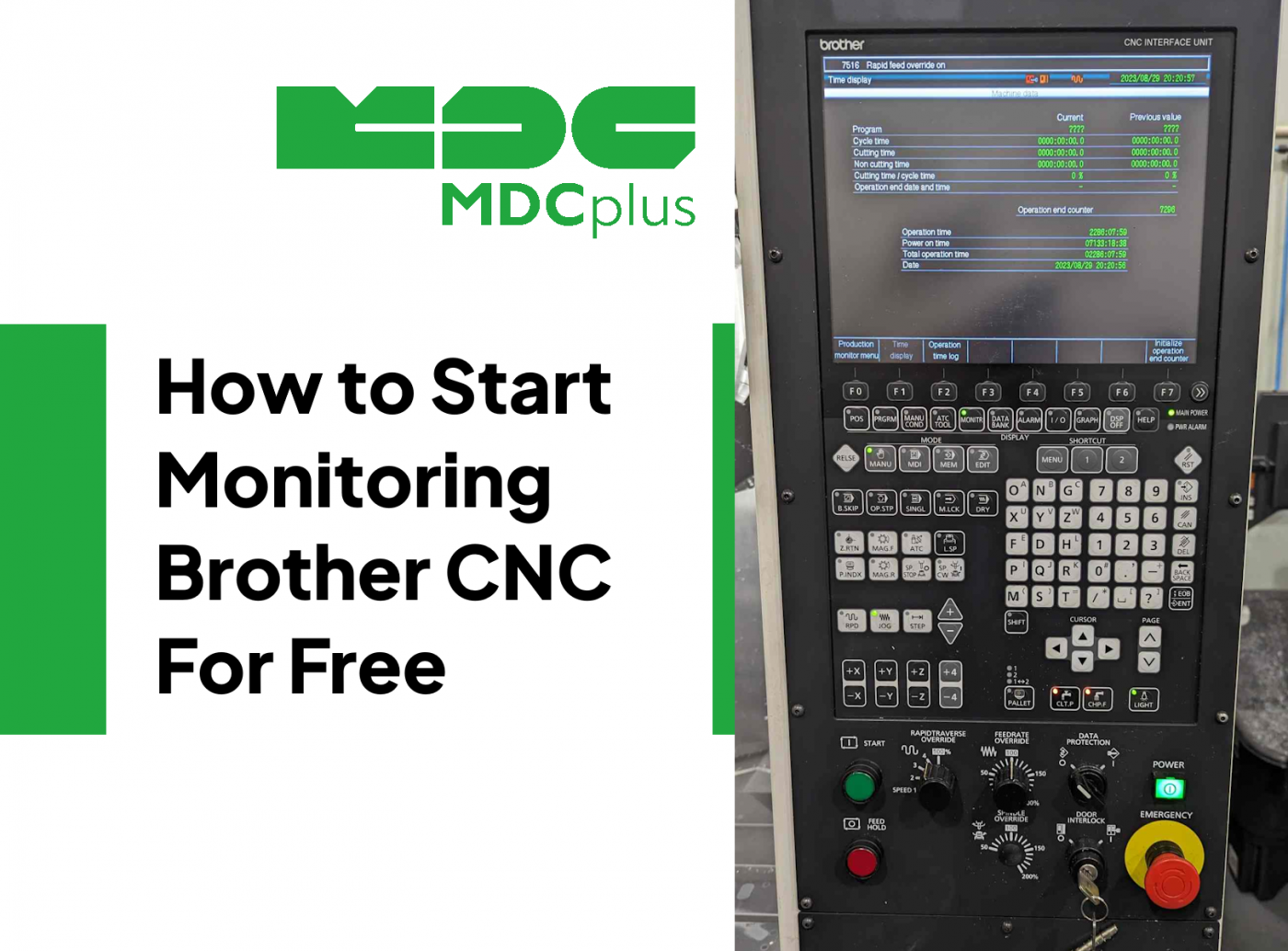
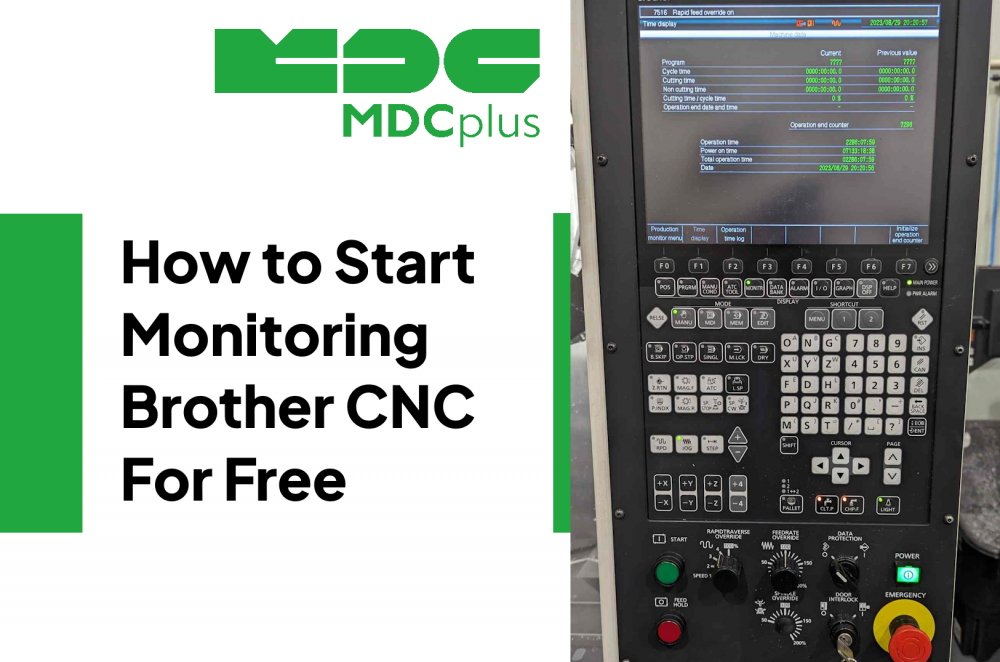
Brother Speedio tapping centers and machining centers use a Fanuc-compatible control (Brother CNC-P72A on newer machines, Fanuc-based on older ones). This means the Fanuc MTConnect adapter and Focas protocol work on most Brother machines - making free monitoring straightforward.
For the full cross-brand monitoring guide, see CNC Machine Monitoring: Complete Guide for All Brands →
Brother CNC controls and connectivity
| Machine / Control | Protocol | Notes |
|---|---|---|
| Speedio S / R / M series (2018+) - CNC-P72A | Focas 2 + MTConnect | Fanuc-compatible; full data access |
| Speedio W series, TC-S2 - Fanuc 18i/31i based | Focas 2 | Standard Fanuc connectivity |
| Older Brother TC/TCS series | Serial / Modbus | Requires Ethernet adapter |
Setup: Focas 2 connection on Brother Speedio
Step 1 - enable Ethernet on the Brother control
On newer Speedio machines (CNC-P72A), navigate to Parameter → Network settings on the Brother HMI. Assign a static IP address. The Focas port is 8193 - same as standard Fanuc. On older Fanuc-based Brother machines, Ethernet settings are in the standard Fanuc network parameter screens.
Step 2 - verify Focas connectivity
Use the free Fanuc Focas diagnostic tool (FWLIB32 test utility) or the Brother-specific diagnostic in the CNC-P72A maintenance menu. Ping the machine IP from a PC on the same network first - if ping works, Focas will work.
Step 3 - connect MDCPlus
Select "Fanuc Focas" as the connection type in MDCPlus (Brother CNC-P72A is Fanuc-compatible at the API level). Enter the machine IP and port 8193. The standard Fanuc data mapping works: execution state, program name, spindle load, alarm codes, and part count.
Brother-specific monitoring considerations
Brother Speedio machines are primarily high-speed tapping centers - cycle times can be 15–90 seconds per part. This means:
- Part count is the critical metric, not just OEE. A Speedio running 45-second cycles should produce 80 parts/hour. Monitoring makes deviations from this rate immediately visible.
- Tool life matters more than on general machining centers. Brother machines tap at high RPM - tap breakage is the most common cause of scrap and unplanned stops. Use monitoring to track cycle time deviation as an early indicator of tap wear before breakage.
- Short idle periods add up. On high-speed tapping machines, a 30-second load/unload delay between cycles adds 25% to cycle time on a 2-minute job. Monitoring surfaces this in the shift data.
See: CNC tool breakage: causes and prevention → and free tool life management software →
For Brother alarm code reference: Brother CNC alarm codes →
Related resources:
- CNC Machine Monitoring: Complete Guide for All Brands
- Brother CNC alarm codes - complete reference
- Fanuc monitoring guide (same protocol as Brother)
- Free tool life management software
- How to improve CNC cycle time for free
About MDCplus
Our key features are real-time machine monitoring for swift issue resolution, power consumption tracking to promote sustainability, computerized maintenance management to reduce downtime, and vibration diagnostics for predictive maintenance. MDCplus's solutions are tailored for diverse industries, including aerospace, automotive, precision machining, and heavy industry. By delivering actionable insights and fostering seamless integration, we empower manufacturers to boost Overall Equipment Effectiveness (OEE), reduce operational costs, and achieve sustainable growth along with future planning.
Ready to increase your OEE, get clearer vision of your shop floor, and predict sustainably?