How to Start Monitoring Makino CNC for Free (2026)
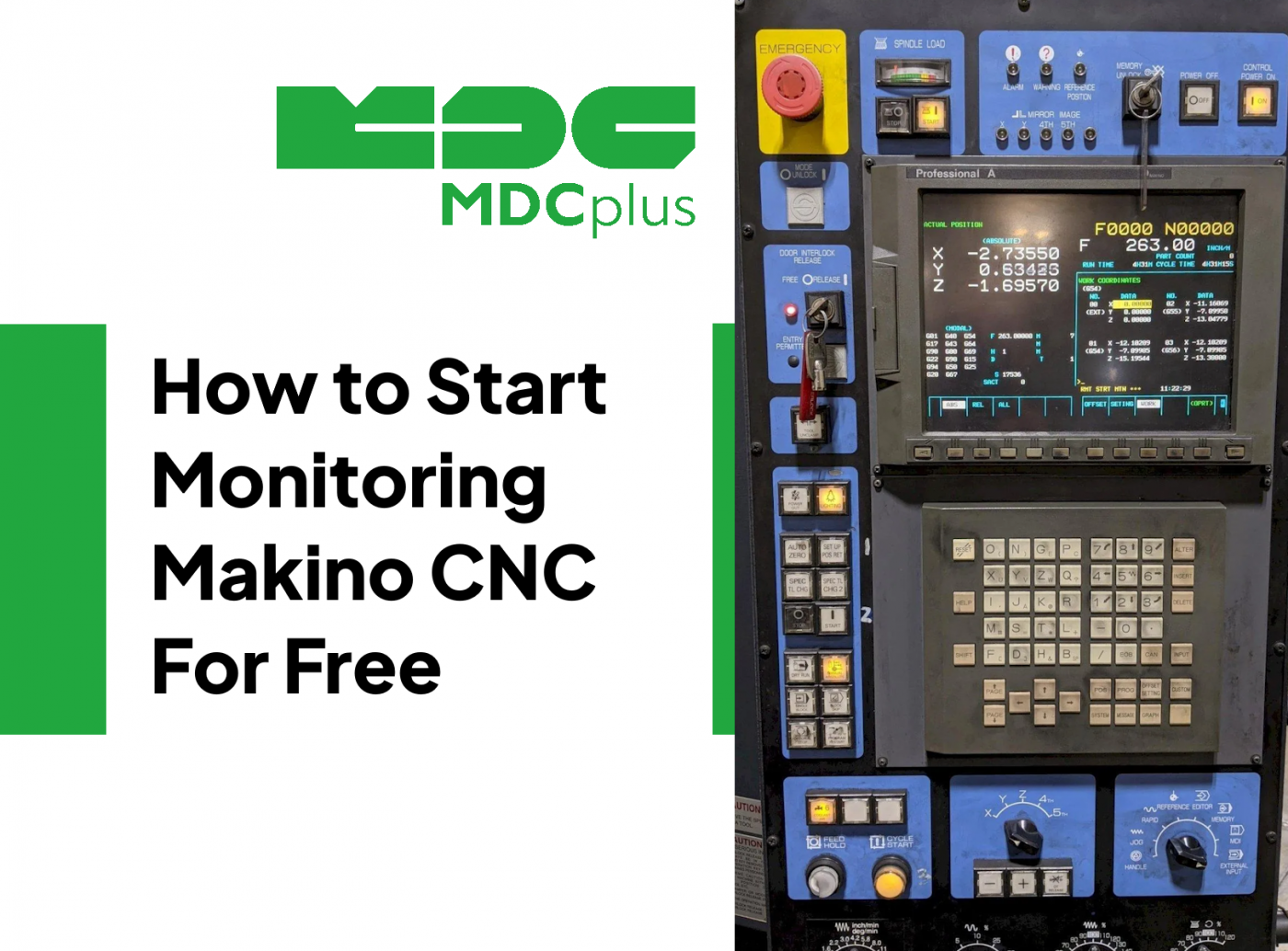
Makino machining centers use Fanuc-based controls with Makino's proprietary Pro 5 and Pro 6 HMI interfaces. The underlying CNC is Fanuc, which means MTConnect adapters and Focas 2 connectivity - the same methods used for standalone Fanuc machines - work on Makino equipment.
For the full cross-brand monitoring guide, see CNC Machine Monitoring: Complete Guide for All Brands →
Makino control variants and connectivity
| Control | Machine series | Protocol | Notes |
|---|---|---|---|
| Pro 6 (Fanuc 31i based) | a5nx, a81nx, d200Z, PS105 | Focas 2 + MTConnect | Full data access; MTConnect natively supported |
| Pro 5 (Fanuc 30i based) | a51nx, a61nx, a71, T1, T2 | Focas 2 | Same as Fanuc 30i - mature connectivity |
| Pro 3 / Pro 4 (Fanuc 0i / 16i based) | Older a-series, J-series | Focas 2 (Ethernet card required on some) | May need PCMCIA Ethernet card |
| MAS-A5 interface | All Pro 5/6 machines | Proprietary Makino API | Alternative to Focas; more machine-specific data |
Setup: connect Makino Pro 5 / Pro 6 via Focas
Step 1 - verify network settings
On Pro 6: Makino HMI → System → Network → CNC Ethernet settings. Assign static IP to the Fanuc NCK. The Focas port is 8193 on Pro 6 machines with Fanuc 31i-B control.
On Pro 5: navigate through System → Maintenance → Network. Older Pro 5 machines with Fanuc 30i-A may need a PCMCIA Ethernet card inserted in the NCK if no built-in Ethernet is present.
Step 2 - test with a free Focas tool
Download the free "FOCAS2 Library" diagnostic tools from Fanuc (requires registration at fanucamerica.com or fanuc.eu). Run a simple connection test - if you can read the Fanuc system information screen, monitoring will work. Alternatively, the free MTConnect adapter for Fanuc (from mtconnect.org) provides a quick connectivity test without coding.
Step 3 - MTConnect option on Pro 6
Makino Pro 6 machines support MTConnect via a pre-installed adapter on the machine's embedded PC. The MTConnect endpoint is typically available at http://[machine-IP]:5000/current on Pro 6 machines shipped from 2016 onwards. Verify by opening this URL in a browser - a valid XML response confirms MTConnect is active.
Step 4 - connect MDCPlus
Use the "Fanuc Focas" connection type in MDCPlus for both Pro 5 and Pro 6. For Pro 6 machines with the Makino MAS-A5 interface, select "Makino MAS-A5" if available - this exposes pallet system status and APC state in addition to standard CNC data.
Makino-specific monitoring priorities
Makino horizontal machining centers (a-series) are typically high-value, high-spindle-utilisation machines in aerospace and automotive supply chains. The monitoring metrics that matter most:
- APC (Automatic Pallet Changer) efficiency: pallet change time and frequency. On horizontal machining centers, APC downtime directly impacts throughput. Monitor pallet swap cycle time and flag deviations.
- Spindle load trends: Makino machines are often running difficult materials (titanium, inconel). Rising spindle load over a production run indicates tool wear before it becomes tool failure. Available via Focas as spindle load percentage.
- Thermal compensation status: Makino's Super Geometric Intelligence (SGI) and thermal compensation systems generate status data accessible via the MAS-A5 interface - useful for correlating dimensional drift with thermal state.
For Makino alarm reference: Makino alarm codes →
See also: how to reduce CNC scrap with in-process inspection →
Related resources:
- CNC Machine Monitoring: Complete Guide for All Brands
- Makino CNC alarm codes - complete reference
- Fanuc monitoring guide (Makino uses Fanuc control)
- How to reduce CNC scrap with in-process inspection
- OEE benchmarks by industry
About MDCplus
Our key features are real-time machine monitoring for swift issue resolution, power consumption tracking to promote sustainability, computerized maintenance management to reduce downtime, and vibration diagnostics for predictive maintenance. MDCplus's solutions are tailored for diverse industries, including aerospace, automotive, precision machining, and heavy industry. By delivering actionable insights and fostering seamless integration, we empower manufacturers to boost Overall Equipment Effectiveness (OEE), reduce operational costs, and achieve sustainable growth along with future planning.
Ready to increase your OEE, get clearer vision of your shop floor, and predict sustainably?