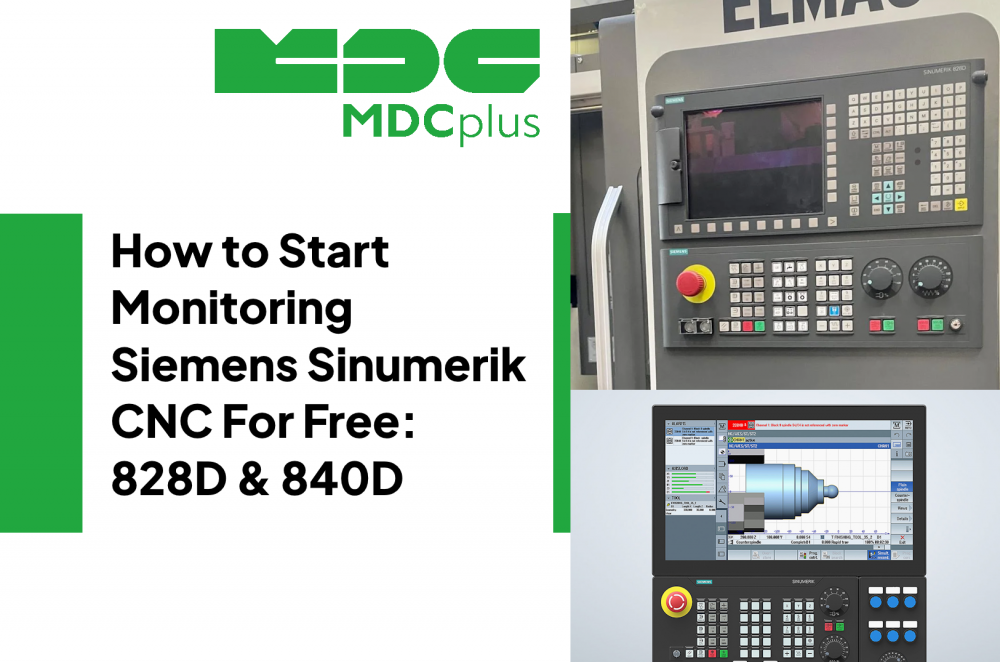
How to Start Monitoring Siemens Sinumerik CNC for Free (2026)
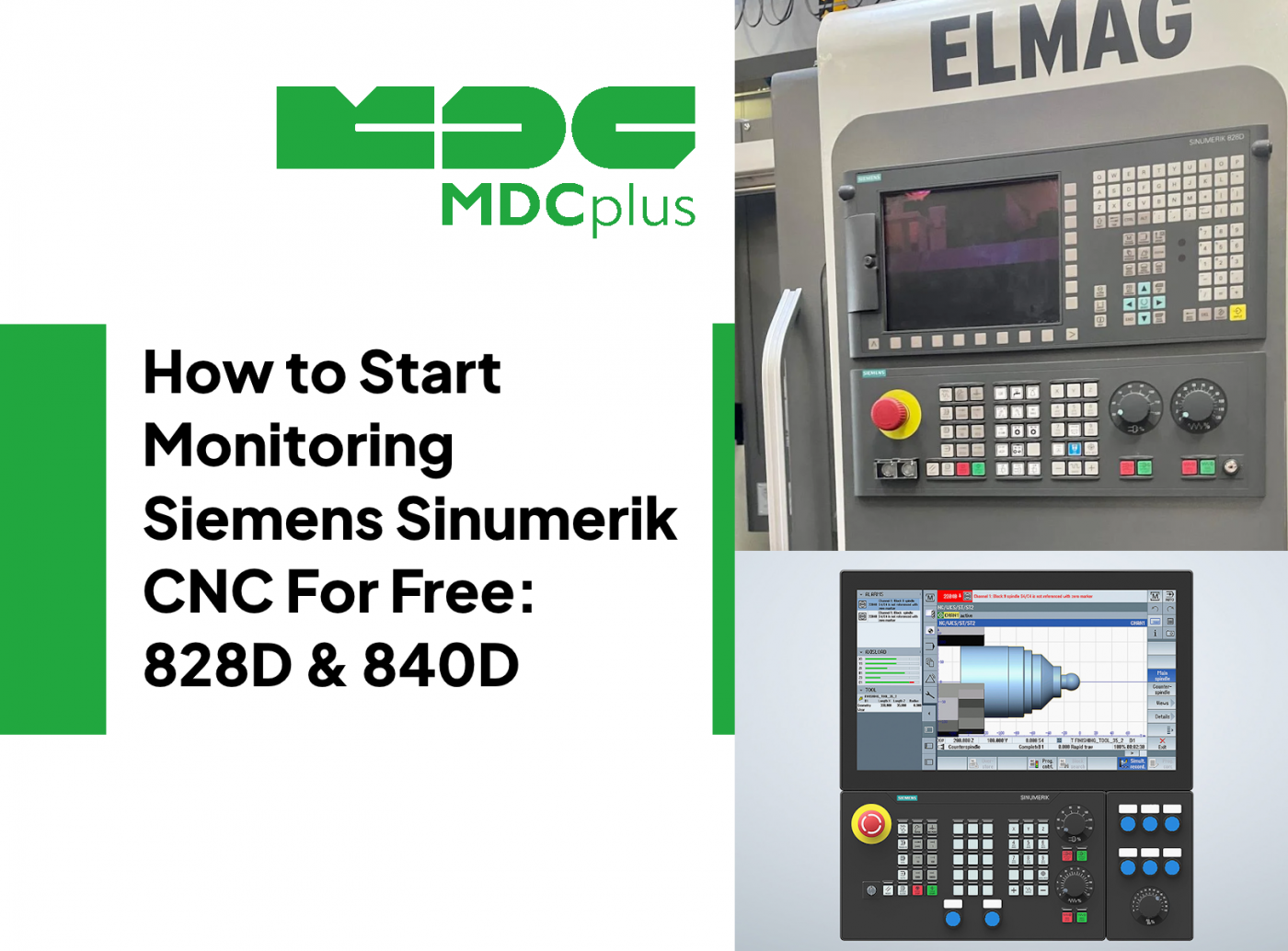
Siemens Sinumerik controls support real-time data extraction via OPC-UA - a built-in feature on 828D and 840D SL from software version 4.7 onwards. This guide walks through connecting your Sinumerik machine to monitoring software at no cost, covering protocol setup, what data is available, and how to start tracking OEE and downtime from day one.
For a full overview of CNC monitoring across all brands, see the CNC Machine Monitoring: Complete Guide for All Brands →
Which Siemens Sinumerik controls support free monitoring
| Control | Software version | Protocol | Notes |
|---|---|---|---|
| Sinumerik 840D SL | SW4.7+ | OPC-UA native | Full machine data access |
| Sinumerik 828D | SW4.7+ | OPC-UA native | Standard on most machines from 2016+ |
| Sinumerik 808D | All versions | OPC DA / Modbus | Limited data; requires OPC server software |
| Sinumerik 840D PL (PowerLine) | All versions | OPC DA / DDE | Older architecture; Modbus gateway recommended |
| Sinumerik 840C / 810D | Legacy | Serial / Modbus adapter | No native network protocol; adapter required |
To check your software version: on the Sinumerik operator panel, navigate to Diagnostics → Version. The NCK software version is displayed. SW4.7 or higher means OPC-UA is available.
What data Sinumerik OPC-UA exposes
Available via OPC-UA on Sinumerik 828D / 840D SL
| Data | OPC-UA node | Update rate |
|---|---|---|
| Machine operating mode (AUTO/JOG/MDI/TEACH) | /Channel/State/actOpMode | 500 ms |
| Program running state (Active/Interrupted/Stopped) | /Channel/ProgramInfo/progStatus | 500 ms |
| Active NC program name | /Channel/ProgramInfo/progName | On change |
| Feedrate override (%) | /Channel/Override/actFeedRate | 500 ms |
| Spindle speed (actual) | /Spindle/actSpeed | 500 ms |
| Axis positions (X, Y, Z...) | /Axes/[axis]/actPos | 500 ms |
| Active alarms list | /Alarms/activAlarms | On change |
| Part counter | /Channel/State/numPartsHold | On change |
This is enough to calculate full OEE, track downtime with reason codes, and log alarm history automatically.
Step-by-step: enable OPC-UA on Sinumerik 828D / 840D SL
Step 1 - verify network connection
The Sinumerik NCU (Numeric Control Unit) has a dedicated X130 Ethernet port for external network connections. Connect this port to your shop network. The PCU (Panel Control Unit) also has a network port - this is for the Windows-based operator interface, not the NC. Use the X130 NCU port for monitoring.
Assign a static IP to the NCU: Startup → HMI → Ethernet → Network settings. Note the IP - you'll need it for the OPC-UA connection string.
Step 2 - enable the OPC-UA server on the NCK
- On the operator panel, navigate to Startup → Machine data → NC machine data
- Find machine data parameter MD18800: $MN_MM_USER_MEM_DYNAMIC - this controls OPC-UA server activation
- Alternatively via SINUMERIK Operate: Setup → Networks → OPC-UA server → Enable
- Set the OPC-UA port (default: 4840)
- Configure security policy: for initial setup, "None" (no encryption) is easiest. Switch to "Basic256Sha256" for production use
- Restart the NCK: Startup → NCK reset
Note for 840D SL: OPC-UA configuration is done via the SINUMERIK Integrate platform or through the NCU web server at http://[NCU-IP]/siemens/sinumerik/hmi/
Step 3 - verify connection with a free OPC-UA client
Download UaExpert (free, from Unified Automation) on a Windows PC on the same network. Connect to: opc.tcp://[NCU-IP]:4840
If the connection succeeds, you'll see the Sinumerik node tree in UaExpert's address space. Browse to /Sinumerik/Channel/ProgramInfo and verify you can read live program status. This confirms OPC-UA is working before connecting your monitoring software.
Step 4 - connect to MDCPlus or your monitoring software
In MDCPlus, add a new machine and select "Siemens Sinumerik OPC-UA" as the connection type. Enter the NCU IP address and port 4840. MDCPlus will automatically map the standard Sinumerik OPC-UA nodes to machine state, OEE metrics, and alarm history. First data typically appears within 2 minutes of completing the connection.
Monitoring older Sinumerik controls - 840D PL and 808D
840D PowerLine (pre-SolutionLine)
The 840D PL does not have OPC-UA. Options:
- OPC DA server: Siemens provides an OPC DA server (SINUMERIK OPC Server) that runs on the PCU 50 alongside the operator software. This gives equivalent data access over the older OPC DA protocol. Your monitoring software needs an OPC DA client.
- DDE interface: older method, works on all 840D PL versions. Lower data frequency than OPC.
- Modbus gateway: if neither option is practical, a PLC Modbus gateway reading machine state from the PLC I/O is a reliable fallback.
808D (entry-level Sinumerik)
The 808D is a panel-based control without a separate NCU. OPC-UA is not available. Use a Modbus TCP gateway connected to the X10 serial port, or use the machine's PLC I/O to read spindle enable and feed hold signals - enough to derive machine state for OEE calculation.
What to do after connection - first 30 days
Once your Sinumerik machine is connected, focus on three things in the first month:
- Baseline OEE: let the system run for a full week without changing anything. Your real baseline is often surprising - most shops discover they're at 45–60% when they thought they were at 70%+.
- Top 3 downtime reasons: use Pareto analysis on the downtime reason codes. See: downtime Pareto analysis - free template →
- Alarm frequency: which alarms are recurring? Cross-reference with the Siemens Sinumerik alarm code reference →
Frequently asked questions
Does enabling OPC-UA affect machine performance or safety?
OPC-UA on Sinumerik is read-only by default - it cannot send commands to the machine. Enabling it has no measurable impact on cycle time or CNC performance. The OPC-UA server runs as a background service on the NCU with minimal CPU overhead.
Which Sinumerik software version do I need for OPC-UA?
SW4.7 or higher on Sinumerik 828D and 840D SL. Check via Diagnostics → Version on the operator panel. If you're on SW4.5 or earlier, a software upgrade via Siemens or your machine builder is the path to OPC-UA support - or use the OPC DA server as an interim solution.
Can I monitor multiple Sinumerik machines from one server?
Yes. Each machine has its own IP address and OPC-UA endpoint. Your monitoring software connects to each machine independently. There's no practical limit on the number of machines - most monitoring platforms handle 50–500+ machines from a single server.
Related resources:
- CNC Machine Monitoring: Complete Guide for All Brands
- Siemens Sinumerik alarm codes - complete reference
- DMG Mori CNC error codes (most DMG Mori machines run Sinumerik)
- How to start monitoring Fanuc CNC for free
- OEE benchmarks by industry - what is a good score?
About MDCplus
Our key features are real-time machine monitoring for swift issue resolution, power consumption tracking to promote sustainability, computerized maintenance management to reduce downtime, and vibration diagnostics for predictive maintenance. MDCplus's solutions are tailored for diverse industries, including aerospace, automotive, precision machining, and heavy industry. By delivering actionable insights and fostering seamless integration, we empower manufacturers to boost Overall Equipment Effectiveness (OEE), reduce operational costs, and achieve sustainable growth along with future planning.
Ready to increase your OEE, get clearer vision of your shop floor, and predict sustainably?