Faster CNC error resolution with MDCplus
Try it yourself Get guided demo20 January 2026
Top Makino CNC Error Codes Explained & How To Fix
The article covers high-frequency, real-world Makino alarm families you will see around pallets/APC, ATC, spindle, servo, and machine support systems
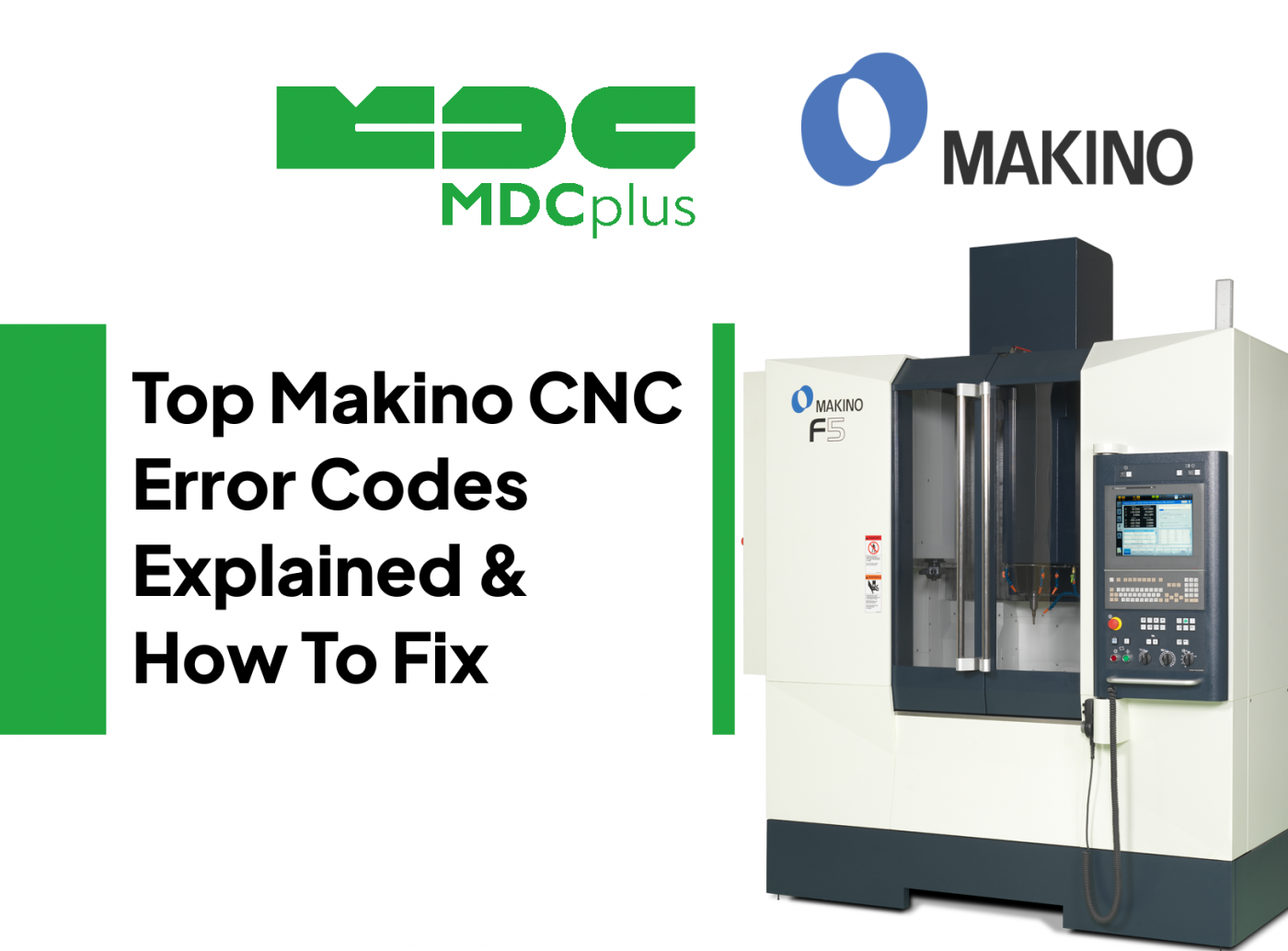
This guide covers Makino alarm codes across Pro 5 and Pro 6 control variants. For all major CNC brands in one reference, see the CNC Error Codes: Complete Guide for All Brands →
Makino machines running Makino Pro (Professional 5/6 and related variants) typically present alarms from multiple layers at once:
- Makino Pro / HMI messages (operator layer, maintenance screens, recovery functions)
- Machine/PLC alarms (Makino-built sequences for ATC, pallets, hydraulics, lube, doors)
- Drive and CNC alarms (commonly FANUC-based servo and spindle alarms on many Makino platforms)
If you want fast recovery on Makino, treat the alarm as a failed readiness condition: something the sequence expected never became true (pressure, clamp confirmed, pot home, pallet in-position, spindle oriented, axis at safe position).
Makino Pro basics - how to read alarms without guessing
- Read the full message text, not just the number. Makino PLC alarms are often “condition-based” and the text names the missing confirmation.
- Check the maintenance/recovery screens (ATC recovery, pallet recovery, lube and grease maintenance). Makino usually provides guided recovery steps.
- Identify the layer: machine/PLC vs servo drive vs spindle drive. Clearing the alarm without restoring the missing condition will just bring it back.
AL 1585 - Pressure Switch Time Delay (Auto Grease / Pressure Hold Fault)
What it means
A pressure switch confirmation did not remain true for the required time during an automatic greasing or pressure-hold step. In practice, the machine tried to build or hold grease pressure and the feedback dropped too early.
Common causes
- Grease pump not delivering (air in line, worn pump, drive issue)
- Leak in grease lines or fittings
- Pressure switch out of adjustment or failing
- Blocked metering units or clogged distribution point
How to fix
- Run the grease cycle in maintenance mode and watch pressure switch status
- Inspect for leaks and damaged tubing at moving joints
- Replace or re-adjust the pressure switch if pressure is stable but feedback is not
- If pressure never builds, service the pump and check for blocked metering units
ATC sequence alarms - pot, shutter, arm, clamp not confirmed
What it means
The tool change sequence stopped because one of the confirmations did not arrive in time (shutter open/close, pot vertical/horizontal, arm home, spindle oriented, tool clamp/unclamp confirmed).
Common causes
- Low air pressure or unstable air supply to ATC valves
- Dirty proximity sensors, misalignment, or damaged sensor brackets
- Sticky cylinder, worn shock absorbers, or mechanical binding
- Spindle orientation not achieved (common trigger for “ATC won’t recover” cases)
How to fix
- Use the Makino Pro ATC maintenance screen to view limit switch and sensor states
- Clean sensors and targets, then confirm repeatable switching
- Verify air pressure at the machine regulator during an ATC attempt (not just static pressure)
- If the sequence requires spindle orientation, solve spindle orientation first before forcing recovery
Pallet / APC alarms - pallet not seated, clamp not confirmed, or sequence timeout
What it means
A pallet change or pallet clamp/unclamp sequence timed out. The machine is waiting for a confirmation such as “pallet seated,” “clamp complete,” “APC arm home,” or “door/guard condition ready.”
Common causes
- Chip contamination on pallet cones or locating faces (most common)
- Hydraulic/pneumatic pressure below threshold under load
- Clamp cylinder sensor not switching reliably
- Sequence started without meeting a prerequisite (axes not at safe position, spindle not stopped)
How to fix
- Clean pallet locating surfaces, cones, and receiver tapers aggressively and repeatably
- Verify clamp pressure while clamping, not only on the gauge at idle
- Check clamp sensors and target alignment, then confirm status on the I/O screen
- Confirm prerequisites: spindle stopped, axes in safe position, doors and interlocks satisfied
Makino runs Fanuc-based Pro 5/6 — core alarm codes follow → Fanuc alarm codes
FANUC Servo Alarm 401 - Servo Alarm (Amplifier/Axis Fault)
What it means
A servo amplifier reported a fault. On Makino platforms using FANUC drives, this is the umbrella alarm that tells you to open the servo diagnostic details for the axis and read the sub-alarm.
Common causes
- Drive overcurrent due to mechanical binding or collision
- Encoder feedback issue (loose connector, damaged cable)
- Drive power problem (phase loss, undervoltage events)
How to fix
- Open the servo alarm details to identify the specific axis and subcode
- Inspect mechanics first if the alarm happened during motion (ballscrew, way covers, lube)
- Inspect encoder and motor power connectors for oil ingress and pin damage
- Check incoming power stability, especially if multiple axes fault together
FANUC Servo Alarm 414 - Servo Not Ready
What it means
The servo system is not ready to enable. Often triggered after an E-stop event, safety chain interruption, or drive power-up issue.
Common causes
- Safety circuit or E-stop chain active
- Drive DC bus not established (power contactor, fuses, supply problem)
- Communication or module readiness fault in the drive system
How to fix
- Restore safety chain and confirm all interlocks are satisfied
- Check cabinet contactors, fuses, and drive power indicators
- Power cycle cleanly if the readiness state is stuck after a transient
FANUC Servo Alarm 417 - Servo Disconnected (Serial Link / Communication)
What it means
Loss of communication between CNC and servo amplifier or a break in the serial link chain.
Common causes
- Loose fiber/cable connector, damaged cable, or poor seating
- Electrical noise or grounding issues
- Amplifier module fault
How to fix
- Power down and reseat communication cables end-to-end
- Inspect routing near high-current lines and verify grounding/shielding
- If the fault follows a module swap, suspect the amplifier
FANUC Spindle Alarm 12 - Over Current in DC Link (Spindle Amplifier)
What it means
The spindle amplifier detected abnormally large current in the DC link section. On Makino this often appears during spindle start, orientation, or abrupt decel events.
Common causes
- Short or insulation damage in spindle motor leads
- Mechanical spindle load spike (bearing issues, crash damage)
- Amplifier power stage degradation
How to fix
- If it happens immediately on start, inspect motor leads and connector contamination first
- Test spindle at low RPM and no load, then scale up gradually
- If repeatable and wiring checks out, investigate the spindle amplifier module
Spindle orientation faults - “ATC won’t proceed” class of problems
What it means
Many Makino tool change sequences require spindle orientation. If the spindle cannot orient (or cannot hold orientation), ATC recovery and tool changes fail as a downstream effect.
Common causes
- Orientation sensor/encoder feedback issue
- Spindle drive parameter mismatch after service
- Mechanical drag, belt/coupling slip on certain configurations
How to fix
- Resolve spindle orientation before forcing ATC recovery
- Check spindle feedback connectors and cabinet cooling first
- Confirm the spindle can orient repeatedly in maintenance mode
Cabinet temperature and cooling alarms - chiller, fans, and heat soak
What it means
Overtemperature or cooling system faults affecting spindle drives, servo drives, or the cabinet environment. These alarms often show up after filter neglect or seasonal temperature changes.
Common causes
- Clogged cabinet filters reducing airflow
- Failed fans or weak fan RPM
- Chiller faults or poor coolant flow for spindle cooling
How to fix
- Clean/replace filters and confirm airflow direction and fan operation
- Inspect chiller status, coolant level, and flow indicators
- Do not ignore heat alarms: repeated trips accelerate drive failures
Practical notes for Makino Pro troubleshooting
Makino alarms usually point to a missing condition in a sequence. For pallets and ATC, assume contamination, pressure stability, and sensor confirmation first. For servo and spindle issues on FANUC-based Makino platforms, use the umbrella alarm (servo 401 or spindle alarm) to drill into the detailed subcode, then decide whether the root cause is mechanical load, feedback integrity, or power quality.
The fastest workflow is: restore safety and prerequisites, check pressure and cooling under load, confirm sensors and I/O states on the maintenance screens, and only then consider parameter or hardware replacement.
Related resources:
- CNC Error Codes: Complete Guide for All Brands
- Fanuc alarm codes
- How to reduce CNC scrap with in-process quality inspection
- Top free digital twin and plant simulation tools
About MDCplus
Our key features are real-time machine monitoring for swift issue resolution, power consumption tracking to promote sustainability, computerized maintenance management to reduce downtime, and vibration diagnostics for predictive maintenance. MDCplus's solutions are tailored for diverse industries, including aerospace, automotive, precision machining, and heavy industry. By delivering actionable insights and fostering seamless integration, we empower manufacturers to boost Overall Equipment Effectiveness (OEE), reduce operational costs, and achieve sustainable growth along with future planning.
Ready to increase your OEE, get clearer vision of your shop floor, and predict sustainably?
Other articles
17.03.2026
CNC Machine Monitoring: Complete Guide for All Brands (2026)
How to monitor CNC machines in real time - Fanuc, Haas, Mazak, Siemens, DMG Mori and more. Protocols, free setup guides, OEE tracking and MDCPlus integration.
Read more
17.03.2026
Free Manufacturing Software: The Ultimate List (2026)
The complete guide to free and open-source manufacturing software - MES, SCADA, ERP, CAD/CAM, WMS, QMS, IIoT and more. 35+ tools reviewed with honest pros, cons and links.
Read more
16.03.2026
OEE & Production KPIs: The Complete Guide for Manufacturers (2026)
Everything you need to measure and improve OEE, downtime, cycle time, and production KPIs. Formulas, benchmarks, free templates, and real-world examples.
Read more
16.03.2026
CNC Error Codes: Complete Guide for All Brands (2026)
This guide covers alarm code systems for every major CNC brand: Fanuc, Haas, Mazak, Siemens Sinumerik, DMG Mori, Heidenhain, Okuma, Mitsubishi, Mori Seiki, Brother, Makino, and Fagor. For each brand you'll find the most common codes, their causes, and the fastest resolution path.
Read more
16.03.2026
How to Start Monitoring Makino CNC for Free (2026)
Connect Makino Pro 5 and Pro 6 machining centers to real-time monitoring via MTConnect and Focas - free setup guide for horizontal and vertical machining centers.
Read more