Faster CNC error resolution with MDCplus
Try it yourself Get guided demo26 January 2026
Top Legacy Mori Seiki CNC Error Codes Explained & How To Fix
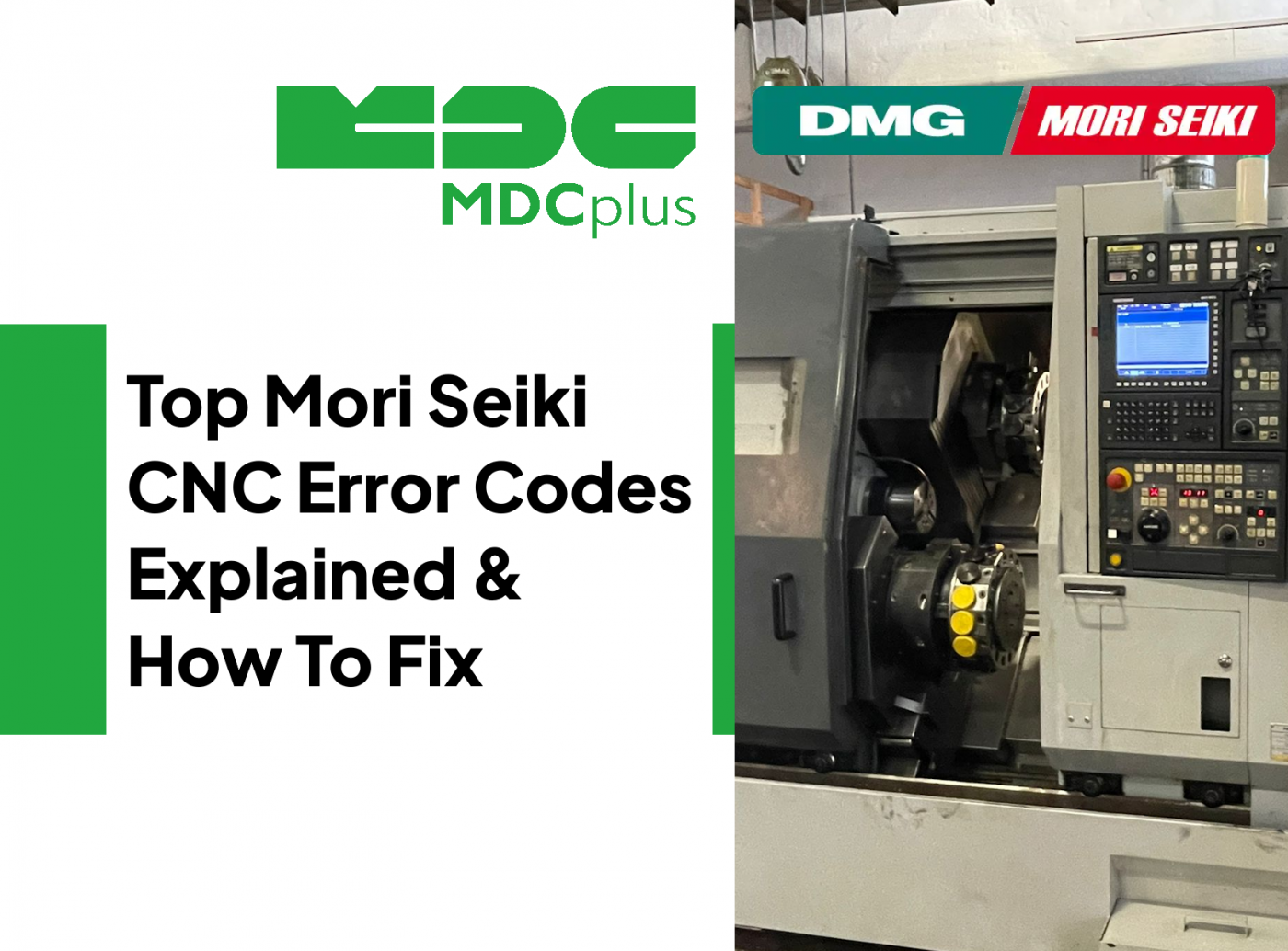
This article focuses on the most commonly searched Mori Seiki legacy alarm conditions, how they present on MSX/MAPPS-era machines, and how to troubleshoot them without modern CELOS tooling.
This guide covers Mori Seiki alarm codes across Fanuc and Mitsubishi control variants. For the full cross-brand reference, see the CNC Error Codes: Complete Guide for All Brands →
Legacy Mori Seiki machines built before full DMG MORI CELOS standardization are still widely used in production. These machines typically run older generations of MSX or early MAPPS controls layered on top of FANUC, Mitsubishi, or Siemens CNC cores. Because of their age, alarm searches around Mori Seiki are frequent and usually tied to tool change recovery, spindle orientation, pallet logic, servo readiness, and aging electrical components.
What Is Considered “Legacy” Mori Seiki
The following Mori Seiki control generations and machine families are typically considered legacy today:
- MSX-501 / MSX-502 / MSX-504
- Early MAPPS I / MAPPS II (pre-CELOS)
- FANUC 16i / 18i / 21i-based Mori Seiki machines
- Mitsubishi M700 / M70-based Mori Seiki machines
- Siemens 840D Powerline on early DMG/Mori integrations
Common legacy machine models still found on shop floors:
- NH4000 / NH5000 (early generations)
- SH400 / SH500 series
- NV4000 / NV5000 (early MAPPS)
- NL / SL turning centers (pre-CELOS)
- DL series lathes
Alarm 401 - Servo Alarm (Axis Drive Fault)
What it means
A servo amplifier reported a fault. On legacy Mori Seiki machines, this alarm acts as a wrapper around lower-level FANUC or Mitsubishi drive faults.
Common causes
- Mechanical binding or axis crash
- Encoder cable degradation
- Drive overheating or aging power components
How to fix
- Open the drive alarm details and identify the axis and subcode
- Inspect ballscrews, guides, and lubrication first
- Check encoder and motor power connectors for oil ingress
Alarm 414 - Servo Not Ready
What it means
The servo system cannot be enabled. This often blocks all motion and appears after E-stop events or power interruptions.
Common causes
- Safety chain or E-stop loop open
- Drive DC bus not established
- Faulty contactor or power supply
How to fix
- Confirm all safety interlocks and E-stop circuits are closed
- Check cabinet contactors, fuses, and incoming power
- Power cycle after restoring readiness conditions
ATC Alarm - Tool Change Recovery Required
What it means
The automatic tool changer sequence stopped mid-cycle and requires manual recovery.
Common causes
- Low air pressure or unstable pneumatic supply
- Dirty or misaligned proximity sensors
- Spindle orientation not achieved
How to fix
- Use the MSX/MAPPS recovery screen to step through the ATC sequence
- Clean sensors and confirm switching on the I/O page
- Resolve spindle orientation before forcing tool change recovery
Mori Seiki merged with DMG in 2013 — newer machines listed here → DMG Mori CNC alarm codes
Spindle Orientation Error
What it means
The spindle could not orient or hold orientation, blocking ATC and some pallet operations.
Common causes
- Orientation encoder or sensor fault
- Spindle drive parameter drift after service
- Mechanical drag or coupling wear
How to fix
- Test spindle orientation repeatedly in maintenance mode
- Inspect spindle encoder cabling and connectors
- Check belts or couplings where applicable
Pallet / APC Alarm - Clamp or Position Not Confirmed
What it means
A pallet change or clamp sequence timed out waiting for confirmation.
Common causes
- Chip contamination on pallet cones or locating faces
- Hydraulic pressure unstable under load
- Clamp sensor aging or misalignment
How to fix
- Clean pallet interfaces thoroughly
- Verify hydraulic pressure during clamp, not at idle
- Inspect clamp sensors and confirm I/O feedback
Alarm 3000 - Emergency Stop Active
What it means
The emergency stop or safety circuit is active.
Common causes
- E-stop button engaged
- Door or guard switch open
- Broken safety circuit wiring
How to fix
- Restore all safety devices
- Trace the safety circuit for open contacts
Alarm 408 - Spindle Overload
What it means
The spindle load exceeded allowable limits.
Common causes
- Excessive cutting load
- Dull or broken tool
- Spindle bearing wear
How to fix
- Reduce feedrate and spindle speed
- Inspect tooling and holders
- Monitor spindle load trend for bearing issues
Alarm 417 - Servo Communication Fault
What it means
Loss of communication between CNC and servo amplifier.
Common causes
- Loose or damaged communication cable
- Electrical noise or grounding issues
- Aging amplifier module
How to fix
- Reseat all communication connectors
- Inspect grounding and shielding continuity
- If the alarm follows the amplifier, suspect module failure
Additional Mori Seiki Legacy Alarms
ATC Tool-Change Logic Conflicts
- EX0207 - T-code not commanded (tool call not accepted by tool changer configuration)
- PMC-ALARM 202 - Commanded tool in spindle (tool-change logic conflict)
- EX1449 - Sensoring tool in spindle (tool state blocks the next tool change)
Commonly associated alarms and messages:
- ATC NOT READY
- TOOL CHANGE INCOMPLETE
- ARM NOT HOME
- POT POSITION ERROR
What to check first: air pressure under load, ATC proximity sensors, and spindle orientation status. Use the MSX/MAPPS recovery screen and step the sequence one condition at a time. Forcing recovery without restoring the missing signal often leads to repeat failures.
Spindle Orientation Faults and Timeouts
- EX0456 - Spindle index time up (orientation/indexing did not complete in time)
- FANUC Alarm 116 - Spindle orientation fault (common underlying CNC alarm on FANUC-based systems)
- M19-related alarms - orientation command issued but confirmation never arrives (often shown as a PLC/EX timeout message)
Commonly associated alarms and messages:
- SPINDLE ORIENTATION ERROR
- SPINDLE NOT ORIENTED
- ORIENT TIME OVER
Typical root causes: loose spindle encoder connectors, aging cables, belt or coupling slip, or drive parameters drifting after service. Always confirm the spindle can orient repeatedly in maintenance mode before attempting ATC or APC recovery.
Servo Alarms and Not-Ready Conditions
- 401 - Servo alarm (amplifier/axis fault wrapper, check axis-specific details)
- 414 - Servo not ready (VRDY off, readiness chain not satisfied)
Typical numeric codes and texts:
- 401 SERVO ALARM
- 414 SERVO NOT READY
Troubleshooting focus: safety chain status, DC bus readiness, cabinet contactors, and incoming power stability. If multiple axes report 401 simultaneously, suspect power or grounding rather than individual motors.
Pallet Seating and Clamping Faults
- EX1752 - Pallet seating signal off (pallet not seated or seating confirmation unstable)
- APC clamp/unclamp timeouts - often shown as EX time-up messages tied to clamp confirmation inputs
Common alarm texts:
- PALLET NOT CLAMPED
- CLAMP CONFIRMATION ERROR
- APC SEQUENCE TIME OVER
Best practice: clean pallet interfaces thoroughly, verify hydraulic pressure during the clamp action, and confirm clamp sensor switching on the I/O screen. Idle pressure readings alone are not sufficient.
Drive Ready Interlocks and Safety Chain Blocks
- 414 - Servo not ready (VRDY off)
- 401 - Servo alarm present, which keeps readiness from completing
- 3000 - Emergency stop active (safety chain blocks servo enable)
Typical alarms:
- 414 SERVO NOT READY
- SV OFF
Check sequence: safety interlocks closed, E-stop reset, drive power contactors pulled in, and no active drive-level faults. Repeated occurrences often point to weak power supplies or failing contactors.
Operator Panel Alarms: MSX/MAPPS-era
- EX0099 - Panel alarm (often tied to operator panel or power supply conditions)
- EX0098 - Panel test mode (panel or mode-selection state issue)
- EX0069 - Door lock time over (lock confirmation did not arrive in time)
- EX5005 - Please execute safe test (safety validation required before operation)
- 7115 - Spindle switch control alarm (spindle-related control condition not satisfied)
- EX0453 - Mill spindle alarm (spindle amplifier/drive alarm present)
- EX0456 - Spindle index time up (orientation/indexing timeout)
Frequently encountered MSX alarm numbers:
- 3000 EMERGENCY STOP
- 401 SERVO ALARM
- 414 SERVO NOT READY
- 408 SPINDLE OVERLOAD
Effective approach: read the alarm text, identify whether it is machine/PLC, servo, or spindle related, then use I/O and maintenance screens to find which confirmation is missing. Relying on numeric lists alone is rarely sufficient on MSX systems.
Tool issues - mapping & positioning
- EX0207 - T-code not commanded (tool call rejected, commonly tool table/pot mapping issue)
- PMC-ALARM 202 - Commanded tool in spindle (logic conflict during tool change)
- EX1449 - Sensoring tool in spindle (tool state blocks returning/removing the sensing tool)
- ATC time-up EX alarms - arm home, pot position, or shutter confirmation not received
Common MAPPS alarm texts:
- TOOL CHANGE TIME OVER
- ATC SEQUENCE ERROR
- TOOL CHANGE NOT COMPLETED
Focus areas: clean ATC sensors, verify air pressure stability during motion, confirm spindle orientation, and avoid forcing recovery without understanding which signal is missing.
Practical Notes for Legacy Mori Seiki Machines
On legacy Mori Seiki machines, most alarms trace back to aging components, marginal sensors, and pressure stability rather than software faults. Start troubleshooting with air and hydraulic pressure under load, then verify sensor feedback and spindle orientation. Servo alarms often point to mechanical resistance or feedback degradation. Because MSX/MAPPS generations offer limited diagnostics compared to CELOS, disciplined step-by-step recovery is critical.
Replacing parts without confirming the missing condition usually leads to repeated alarms. Use I/O status screens, maintenance modes, and trend observation to isolate the real cause.
Related resources:
- CNC Error Codes: Complete Guide for All Brands
- DMG Mori CNC alarm codes
- Fanuc alarm codes
- How to calculate cycle time and production throughput
About MDCplus
Our key features are real-time machine monitoring for swift issue resolution, power consumption tracking to promote sustainability, computerized maintenance management to reduce downtime, and vibration diagnostics for predictive maintenance. MDCplus's solutions are tailored for diverse industries, including aerospace, automotive, precision machining, and heavy industry. By delivering actionable insights and fostering seamless integration, we empower manufacturers to boost Overall Equipment Effectiveness (OEE), reduce operational costs, and achieve sustainable growth along with future planning.
Ready to increase your OEE, get clearer vision of your shop floor, and predict sustainably?
Other articles
17.03.2026
CNC Machine Monitoring: Complete Guide for All Brands (2026)
How to monitor CNC machines in real time - Fanuc, Haas, Mazak, Siemens, DMG Mori and more. Protocols, free setup guides, OEE tracking and MDCPlus integration.
Read more
17.03.2026
Free Manufacturing Software: The Ultimate List (2026)
The complete guide to free and open-source manufacturing software - MES, SCADA, ERP, CAD/CAM, WMS, QMS, IIoT and more. 35+ tools reviewed with honest pros, cons and links.
Read more
16.03.2026
OEE & Production KPIs: The Complete Guide for Manufacturers (2026)
Everything you need to measure and improve OEE, downtime, cycle time, and production KPIs. Formulas, benchmarks, free templates, and real-world examples.
Read more
16.03.2026
CNC Error Codes: Complete Guide for All Brands (2026)
This guide covers alarm code systems for every major CNC brand: Fanuc, Haas, Mazak, Siemens Sinumerik, DMG Mori, Heidenhain, Okuma, Mitsubishi, Mori Seiki, Brother, Makino, and Fagor. For each brand you'll find the most common codes, their causes, and the fastest resolution path.
Read more
16.03.2026
How to Start Monitoring Makino CNC for Free (2026)
Connect Makino Pro 5 and Pro 6 machining centers to real-time monitoring via MTConnect and Focas - free setup guide for horizontal and vertical machining centers.
Read more