Faster CNC error resolution with MDCplus
Try it yourself Get guided demo16 January 2026
Top Okuma OSP CNC Error Codes Explained & How To Fix
Below is a consolidated list of real, commonly encountered Okuma OSP alarm codes, what they mean in practice, and how they are typically resolved on the shop floor
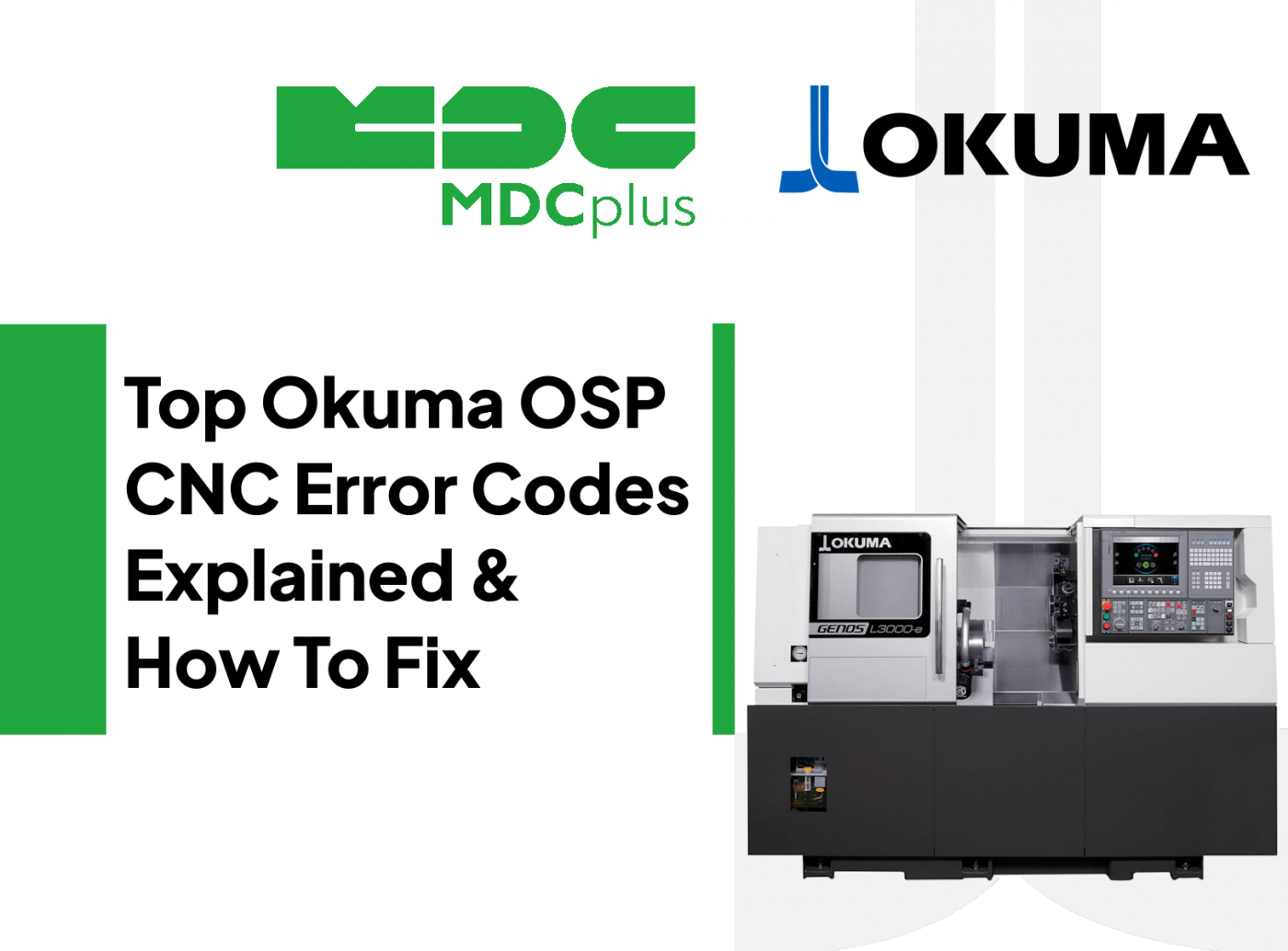
This guide covers Okuma OSP alarm codes with prefix classification and fix procedures. For all major CNC brands in one reference, see the CNC Error Codes: Complete Guide for All Brands →
Okuma OSP controls (OSP-P200, P300, P300L, U100, U10M, E100 series) are known for tight integration between CNC, drives, and machine mechanics. OSP alarms are direct and usually point to a concrete issue in motion, spindle, ATC, safety logic, or control hardware.
Alarm 5040 - SERVO ERROR (POSITION DEVIATION)
What it means
The axis position deviation exceeded the allowable limit.
Common causes
- Mechanical resistance on the axis
- Ballscrew or guide contamination
- Excessive feedrate or acceleration
- Servo tuning drift
How to fix
- Jog the axis slowly and check for smooth motion
- Inspect lubrication system and way covers
- Reduce rapid and cutting feed temporarily
- Check servo load and following error values
Alarm 5060 - SERVO OVERLOAD
What it means
Servo motor current exceeded the permissible level for too long.
Common causes
- Heavy cutting load
- Axis crash damage
- Poor lubrication
- Worn thrust bearings
How to fix
- Reduce cutting parameters
- Inspect mechanical components for binding
- Verify lubrication delivery to the axis
Alarm 5220 - SERVO COMMUNICATION ERROR
What it means
Communication between CNC and servo drive failed.
Common causes
- Loose or damaged servo communication cable
- Electrical noise in the cabinet
- Drive power instability
How to fix
- Power off and reseat all servo cables
- Inspect cabinet grounding and shielding
- Check drive power supply voltages
Alarm 3030 - SPINDLE ALARM
What it means
Abnormal condition detected in the spindle system.
Common causes
- Spindle overload
- Tool imbalance or worn tool
- Spindle drive fault
- Cooling fan or chiller failure
How to fix
- Reduce spindle load and test at low RPM
- Inspect tool holder and balance
- Check spindle drive diagnostics and cooling system
Alarm 3045 - SPINDLE ORIENTATION ERROR
What it means
The spindle could not reach or hold the commanded orientation.
Common causes
- Orientation encoder problem
- Mechanical slip in belt or coupling
- Incorrect orientation parameters
How to fix
- Inspect spindle encoder and cabling
- Check belts and couplings for slippage
- Re-run spindle orientation adjustment if supported
Alarm 4100 - ATC ERROR
What it means
Automatic tool changer sequence failed.
Common causes
- Tool not seated correctly
- ATC arm position sensor not confirmed
- Low air or hydraulic pressure
How to fix
- Inspect tool pocket and tool holder
- Check ATC sensors and switches
- Verify air and hydraulic pressure levels
Alarm 4110 - TOOL CLAMP / UNCLAMP ERROR
What it means
Tool clamp or unclamp operation did not complete correctly.
Common causes
- Insufficient air or hydraulic pressure
- Worn drawbar components
- Clamp sensor failure
How to fix
- Verify pressure values
- Inspect drawbar and gripper condition
- Check clamp confirmation sensors
Alarm 2600 - OVERTRAVEL
What it means
Axis exceeded software or hardware travel limit.
Common causes
- Incorrect work offset
- Program error
- Axis not properly referenced
How to fix
- Jog the axis away from the limit in manual mode
- Verify work offsets and program zero
- Re-home the machine if required
Comparing OSP to Fanuc control conventions? See → Fanuc alarm codes
Alarm 1700 - SAFETY INTERLOCK ACTIVE
What it means
A safety condition prevents machine operation.
Common causes
- Door open
- Chuck or tailstock not clamped
- Safety circuit interruption
How to fix
- Close all doors and guards
- Confirm chuck and tailstock clamp status
- Trace the safety circuit using diagnostics
Alarm 2000 - PMC / SEQUENCE ERROR
What it means
Machine sequence logic condition not satisfied.
Common causes
- Sensor or limit switch not actuated
- Hydraulic or pneumatic condition missing
- Interrupted machine sequence
How to fix
- Use sequence diagnostics to identify the missing condition
- Check sensors, switches, and actuators
- Reset and restart the sequence correctly
Alarm 0945 - MEMORY BOARD / BATTERY LIFE
What it means
The UPS or battery for the control memory is nearing end of life. Parameter loss is likely if the battery fails.
Common causes
- Aging memory UPS battery
- Date and time battery depleted
How to fix
- Replace the memory UPS battery immediately
- Replace the date and time battery on the HMI board at the same time
- Power cycle and verify parameters and clock retention
Alarm 1181 - MCS DIFF OVER
What it means
Mechanical Coordinate System difference exceeded the allowable threshold. The axis position does not match expected feedback.
Common causes
- Encoder and position mismatch
- Servo motor or drive issue
- Mechanical obstruction or collision
How to fix
- Check encoder feedback and cable integrity
- Verify servo drive signals and motor current
- Inspect axis mechanics for binding
Alarm 4085 - FAN MOTOR ERROR (PANEL COMPUTER UNIT)
What it means
A CPU or panel fan is not spinning at the required speed or has stopped.
Common causes
- Fan blocked by debris
- Loose power connector
- Failed fan bearing
How to fix
- Inspect and clean fan blades
- Check fan wiring at the panel computer
- Replace the fan if speed does not recover
Alarm P0700 - NC START-UP ERROR
What it means
General startup fault during OSP initialization.
Common causes
- Power interruption during boot
- Corrupted startup file
- Control hardware instability
How to fix
- Perform a clean power cycle
- Reload a known good backup if repeated
- Inspect control power and cabinet wiring
Alarm P0704 - FILE LOAD ERROR
What it means
A required system or configuration file failed to load at startup.
Common causes
- Corrupted system file
- Damaged storage media
- Improper shutdown
How to fix
- Reload files from verified backup media
- Clean or replace the storage device
- Confirm file integrity after loading
Alarm A101-X / Y / Z - ENCODER OR POSITION ERROR
What it means
Encoder or position mismatch on the specified axis.
Common causes
- Encoder cable damage or intermittent connection
- Servo drive issue
- Mechanical slip or backlash
How to fix
- Inspect encoder cables at the motor and drive
- Swap drive modules between axes for comparison
- Verify encoder coupling to the motor shaft
Alarm B2909 - DIRECTION SEQUENCE NUMBER FAULT
What it means
Motion direction or sequence code is outside the expected range.
Common causes
- Invalid motion sequence
- Corrupted program block
How to fix
- Review program sequence around rapid and motion blocks
- Reset motion state and test with simple moves
Alarm B2910 - UNUSABLE G-CODE
What it means
The control encountered a G-code that is not supported in the current mode.
Common causes
- Program written for another control or machine
- Unsupported CAM post output
How to fix
- Remove or replace unsupported G-codes
- Adjust CAM post for correct OSP syntax
Alarm B2912 - UNUSABLE M-CODE
What it means
An M-code is not valid for the machine configuration.
Common causes
- M-code intended for another model
- Post-processor mismatch
How to fix
- Replace with a supported M-code
- Confirm machine feature availability
Error 3701 - CPU TEMPERATURE TOO HIGH
What it means
Control cabinet CPU temperature exceeded safe limits.
Common causes
- Dust buildup in cooling fans or vents
- Inadequate cabinet airflow
- High ambient temperature
How to fix
- Clean or replace cooling fans and filters
- Improve cabinet airflow
- Check temperature sensors and reboot
Error 3702 - WARM-UP RUN NOT EXECUTED
What it means
Warm-up routine could not complete due to machine or mode conditions.
Common causes
- Warm-up program missing
- Machine not in automatic mode
- Safety door open
How to fix
- Load and execute the warm-up program
- Switch the control to automatic mode
- Close all safety doors
Practical notes for Okuma OSP controls
OSP alarms are usually not abstract software complaints. They are the control telling you that something physical or electrical is out of spec right now - a real mechanical restriction, unstable feedback, missing pressure, or a cabinet condition like heat or power quality.
When you see servo and MCS-related alarms, treat them as feedback integrity or mechanical resistance until proven otherwise. Start with the basics that fail most often: encoder connectors, cable shielding, grounding, and anything that can cause intermittent signals. Then move to mechanics - lubrication delivery, chips in covers, damaged couplings, backlash, or binding that only appears under load.
Startup and file-load alarms are a different class. Assume data integrity or power stability issues first. Improper shutdowns, marginal storage media, and noisy power during boot are common triggers, and repeated faults are a signal to restore from a known-good backup and verify cabinet power and wiring.
Before you replace parts, use what OSP gives you: diagnostics, alarm history, and sequence monitoring. If you can identify the missing condition or the axis that is diverging in the same place every time, you can usually fix the cause instead of swapping hardware in the dark.
Related resources:
- CNC Error Codes: Complete Guide for All Brands
- Fanuc alarm codes
- Top free CAD/CAM systems for CNC machining
- How to calculate cycle time and production throughput
About MDCplus
Our key features are real-time machine monitoring for swift issue resolution, power consumption tracking to promote sustainability, computerized maintenance management to reduce downtime, and vibration diagnostics for predictive maintenance. MDCplus's solutions are tailored for diverse industries, including aerospace, automotive, precision machining, and heavy industry. By delivering actionable insights and fostering seamless integration, we empower manufacturers to boost Overall Equipment Effectiveness (OEE), reduce operational costs, and achieve sustainable growth along with future planning.
Ready to increase your OEE, get clearer vision of your shop floor, and predict sustainably?
Other articles
17.03.2026
CNC Machine Monitoring: Complete Guide for All Brands (2026)
How to monitor CNC machines in real time - Fanuc, Haas, Mazak, Siemens, DMG Mori and more. Protocols, free setup guides, OEE tracking and MDCPlus integration.
Read more
17.03.2026
Free Manufacturing Software: The Ultimate List (2026)
The complete guide to free and open-source manufacturing software - MES, SCADA, ERP, CAD/CAM, WMS, QMS, IIoT and more. 35+ tools reviewed with honest pros, cons and links.
Read more
16.03.2026
OEE & Production KPIs: The Complete Guide for Manufacturers (2026)
Everything you need to measure and improve OEE, downtime, cycle time, and production KPIs. Formulas, benchmarks, free templates, and real-world examples.
Read more
16.03.2026
CNC Error Codes: Complete Guide for All Brands (2026)
This guide covers alarm code systems for every major CNC brand: Fanuc, Haas, Mazak, Siemens Sinumerik, DMG Mori, Heidenhain, Okuma, Mitsubishi, Mori Seiki, Brother, Makino, and Fagor. For each brand you'll find the most common codes, their causes, and the fastest resolution path.
Read more
16.03.2026
How to Start Monitoring Makino CNC for Free (2026)
Connect Makino Pro 5 and Pro 6 machining centers to real-time monitoring via MTConnect and Focas - free setup guide for horizontal and vertical machining centers.
Read more