No more forced CNC stops. Try MDCplus
Try it yourself Get guided demo13 February 2026
Top Most Common G-Code Mistakes and How to Fix Them
This article explains how G-code functions as the core programming language for CNC machining and why even small coding mistakes can lead to alarms, incorrect toolpaths, damaged parts, or machine downtime.
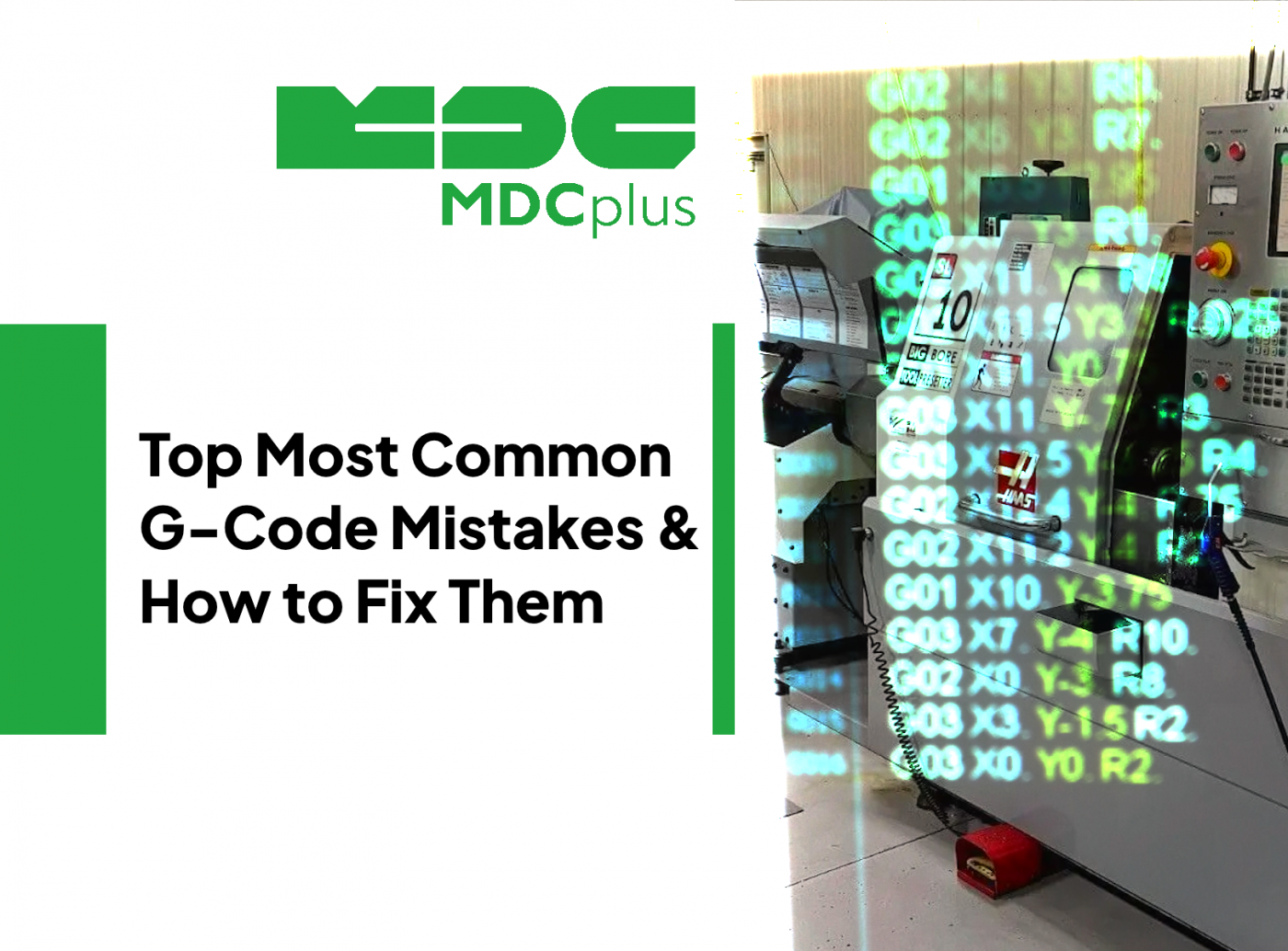
G-code is the language most CNC machines use to turn digital parts into real components. Even small mistakes can cause machine alarms, incorrect cuts, wasted material, and potential collisions. By understanding the most frequent errors and how to fix them, CNC programmers and machinists can drastically reduce downtime and scrap production.
Why G-Code Errors Matter in Manufacturing
G-code commands tell the machine exactly how to move, where to position, and what state the spindle and tools should be in. Unlike high-level tools, the controller interprets each line literally. Missing commands, syntax errors, or incompatible codes often lead to stopped programs or unexpected behavior on the machine, which can be costly to diagnose and fix. Modern manufacturing workflows still rely on manual reviews and simulations to catch these before they hit the shop floor.
Most Common G-Code Mistakes and Real Examples with Fixes
Syntax and Formatting Errors
One of the easiest mistakes to make is a simple syntax issue, such as a missing character, incorrect letter, or improper spacing. These errors can cause a line to be ignored or result in alarms.
Real example: In some shop discussions, a line such as `MO` instead of `M0` (M0 = program stop) was causing unexpected behavior because the controller did not recognize the command.
Fix: Carefully review the G-code for missing letters or misplaced spaces. Using a syntax-aware G-code editor or backplot tool helps catch obvious typos before sending the file to the machine.
Coordinate and Plane Mode Mistakes
Confusing absolute and incremental coordinate systems or incorrect plane selection often leads to unexpected moves. A common mistake is leaving the controller in the wrong mode, causing moves to be interpreted incorrectly.
Real example: A programmer encountered an alarm on a lathe because a canned cycle command (`G99`) and plane selection (`G18`) were active together incorrectly for that controller. Changing or removing the unnecessary code resolved the alarm.
Fix: Always specify G90 or G91 explicitly and check plane selection commands (G17, G18, G19) match the intended motion. Review coordinate modes at the start of the program and reset when needed.
Missing Feed and Speed Commands
Omitting feed rate (F) or spindle speed (S) commands can cause the machine to alarm or cut at unsafe speeds. Each cutting motion (G01, G02, G03) should have a valid feed rate.
Real example: A control manual points out that feed rate must be set before cutting moves like `G01` to avoid errors or unintentional slow motion.
Fix: Always assign `F` and `S` values before machining moves. For example:
G01 X100 Y50 F1500This sets a controlled feed before the move executes.
Arc Errors and Circular Interpolation Issues
Arc commands (G02/G03) require precise definitions of center points (I/J/K) or radius (R). Controllers will throw errors if the arc definition doesn’t mathematically match a valid path.
Real example: Users on CAM forums frequently report errors like “invalid arc — vector to center invalid” because the arc geometry doesn’t close correctly.
Fix: Ensure arc center coordinates and values are accurate, and simulate the arc path before cutting. Using correct I, J, and K values or R properly defined for your controller reduces these errors.
Feeds and Blocks at Wrong Location
Sometimes a controller reads ahead or interprets blocks differently when moves are combined incorrectly. Long combined lines can confuse the controller’s look-ahead buffers.
Real example: Backplot differences were observed when programs were run in slow single-block mode versus auto - the same code produced different tool movement on a multi-axis machine.
Fix: Break complex moves into simpler blocks where possible and verify behavior in simulation.
Unsupported or Incompatible Codes
Not every controller supports every code, especially when posts generate commands that aren’t recognized by a specific machine model. This is especially common when using generic posts for older hardware.
Real example: Older CAM packages generated codes like G19 (plane selection) that caused errors in simulation or machine interpretation due to lack of support.
Fix: Use a machine-specific post processor or replace unsupported codes with equivalents supported by your controller.
Best Practices to Prevent G-Code Mistakes
Avoiding mistakes is always preferable to correcting them on the machine. Some strategies include reviewing code in a dedicated editor, enabling simulation and backplot tools, explicitly defining modal states (units, coordinate modes, work offsets), and using safe start/stop templates. Always test on dry runs and, when possible, in simulation before cutting real material.
Conclusion
G-code errors are common but manageable. The most frequent issues involve syntax and formatting, coordinate modes, feeds/speeds, arc definitions, and unsupported commands from posts. Identifying these through simulation and careful review, paired with machine-specific knowledge, will reduce alarms, scrap, and downtime. CNC programmers who adopt disciplined code validation and simulation practices achieve more predictable and efficient machining outcomes.
About MDCplus
Our key features are real-time machine monitoring for swift issue resolution, power consumption tracking to promote sustainability, computerized maintenance management to reduce downtime, and vibration diagnostics for predictive maintenance. MDCplus's solutions are tailored for diverse industries, including aerospace, automotive, precision machining, and heavy industry. By delivering actionable insights and fostering seamless integration, we empower manufacturers to boost Overall Equipment Effectiveness (OEE), reduce operational costs, and achieve sustainable growth along with future planning.
Ready to increase your OEE, get clearer vision of your shop floor, and predict sustainably?
Other articles
17.03.2026
CNC Machine Monitoring: Complete Guide for All Brands (2026)
How to monitor CNC machines in real time - Fanuc, Haas, Mazak, Siemens, DMG Mori and more. Protocols, free setup guides, OEE tracking and MDCPlus integration.
Read more
17.03.2026
Free Manufacturing Software: The Ultimate List (2026)
The complete guide to free and open-source manufacturing software - MES, SCADA, ERP, CAD/CAM, WMS, QMS, IIoT and more. 35+ tools reviewed with honest pros, cons and links.
Read more
16.03.2026
OEE & Production KPIs: The Complete Guide for Manufacturers (2026)
Everything you need to measure and improve OEE, downtime, cycle time, and production KPIs. Formulas, benchmarks, free templates, and real-world examples.
Read more
16.03.2026
CNC Error Codes: Complete Guide for All Brands (2026)
This guide covers alarm code systems for every major CNC brand: Fanuc, Haas, Mazak, Siemens Sinumerik, DMG Mori, Heidenhain, Okuma, Mitsubishi, Mori Seiki, Brother, Makino, and Fagor. For each brand you'll find the most common codes, their causes, and the fastest resolution path.
Read more
16.03.2026
How to Start Monitoring Makino CNC for Free (2026)
Connect Makino Pro 5 and Pro 6 machining centers to real-time monitoring via MTConnect and Focas - free setup guide for horizontal and vertical machining centers.
Read more