Make production transparent. Try MDCplus
Try it yourself Get guided demo07 July 2026
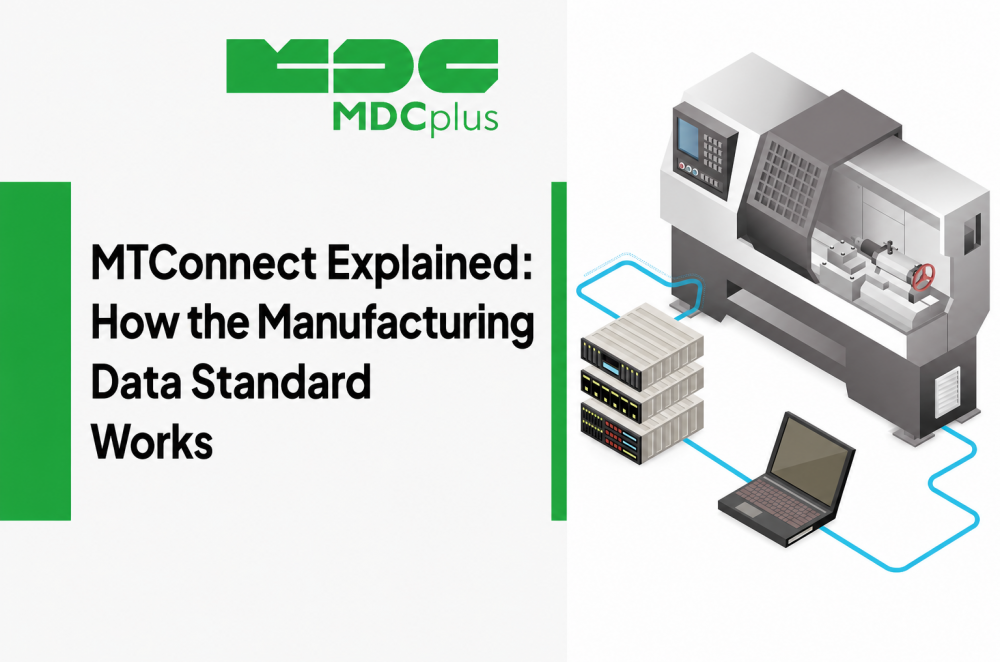
MTConnect Explained: How the Manufacturing Data Standard Works
What MTConnect is, how it works, and why it matters for manufacturers: agents, adapters, data items, and how the standard compares to proprietary protocols like FOCAS and OPC UA
How to start collecting equipment data?
Ask five machine builders how to pull data off their equipment and you will likely get five different answers — five protocols, five data formats, five sets of documentation to read. That fragmentation is exactly the problem MTConnect was created to solve. This article explains what MTConnect is, how it actually works under the hood, and what it means in practice for a manufacturer trying to get real visibility into their shop floor.
Contents:
- What is MTConnect and why it exists
- How MTConnect works: devices, adapters, and agents
- What data MTConnect actually captures
- MTConnect vs. proprietary protocols
- Why MTConnect matters for manufacturers
- Common implementation challenges
- MTConnect and monitoring platforms like MDCplus
- How to get started with MTConnect
- Frequently asked questions
- Conclusion
What is MTConnect and why it exists
MTConnect is an open, royalty-free communication standard that defines a common vocabulary and data format for exchanging information from manufacturing equipment. It was developed by the MTConnect Institute, with early work led by AMT (the Association For Manufacturing Technology), and released as a public specification rather than a product tied to a single vendor.
Before MTConnect, connecting a monitoring system to a mixed fleet of machines meant writing a separate integration for every controller brand — Fanuc, Siemens, Haas, Mazak, Okuma — each with its own protocol, register map, and terminology. MTConnect does not replace those underlying protocols; it sits on top of them and translates whatever the machine natively speaks into one standardized, machine-readable format based on XML (and, in newer versions, JSON). The result is that a single piece of monitoring or MES software can, in principle, read data from any MTConnect-compliant machine using the same interface.
How MTConnect works: devices, adapters, and agents
The MTConnect architecture is built from a small number of clearly defined components:
- Device — the physical piece of equipment (a CNC machine, a robot, a coordinate measuring machine) whose data is being exposed.
- Adapter — a small piece of software, usually supplied by the machine or controller vendor, that reads the machine's native data (over FOCAS, OPC UA, a PLC interface, and so on) and reformats it into the MTConnect protocol.
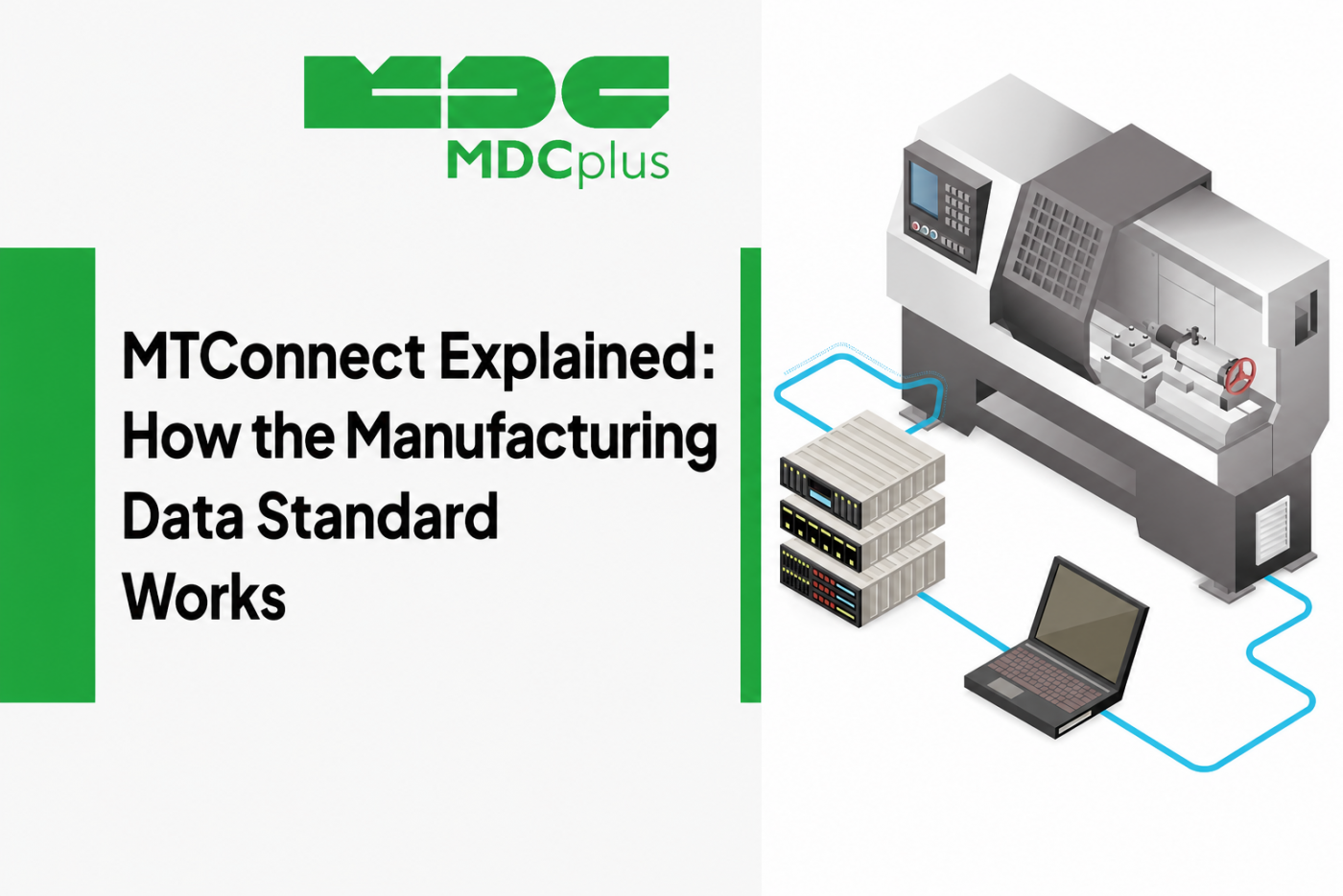
- Agent — a server component that collects data from one or more adapters, stores recent history in a buffer, and publishes it over HTTP as standardized XML or JSON. Client applications simply request data from the agent using a REST-style URL.
- Client application — the monitoring dashboard, MES, or analytics platform that consumes the agent's output and turns it into charts, alerts, and reports.
Every device is described by a device model, an XML document that lists its structure — controller, axes, path, spindle — and the specific data items each part can report. This is what allows a client to discover, automatically, what a given machine is capable of reporting without hand-coding a driver for each model.
What data MTConnect actually captures
MTConnect organizes machine data into three broad categories:
| Category | What it represents | Typical examples |
|---|---|---|
| Events | Discrete state changes reported by the controller | Program name, execution status (ACTIVE / STOPPED), controller mode, alarm codes |
| Samples | Continuously changing numeric values | Spindle speed, feed rate, axis position, temperature |
| Conditions | Health/status indicators with a severity level | Normal / Warning / Fault states for a given subsystem |
Because every data item has a standardized name and unit of measurement across all compliant machines, a spindle speed reported by a Haas mill and a spindle speed reported by a Mazak lathe both arrive in the same structure — which is the whole point: it removes the need to normalize vendor-specific tags before any analysis can happen.
MTConnect vs. proprietary protocols
MTConnect is often compared to vendor protocols such as Fanuc FOCAS, Siemens' native interfaces, or the general-purpose industrial standard OPC UA. The distinction is worth being precise about:
- FOCAS, Heidenhain DNC, and similar vendor SDKs give deep, low-level access to a specific controller family, but only that family — every other brand needs its own integration.
- OPC UA is a broader industrial interoperability standard used across many types of automation equipment, not just machine tools; it defines how to structure and secure data exchange, but it does not, by itself, define a standardized machine-tool vocabulary the way MTConnect does.
- MTConnect is purpose-built for machine tools and manufacturing equipment: it defines both the transport mechanism and a shared vocabulary for what a "spindle load" or "program name" means, so client software does not need to know which controller is underneath.
In practice, MTConnect adapters are frequently built on top of a vendor's native protocol — an adapter might use FOCAS internally to read a Fanuc controller, then expose that data through the standard MTConnect interface on the outside. The two approaches are complementary rather than mutually exclusive.
Why MTConnect matters for manufacturers
- Vendor independence — a shop with a mixed fleet of machine brands can connect all of them to a single monitoring or MES platform without a custom driver per brand.
- Faster onboarding of new equipment — adding an MTConnect-compliant machine to an existing monitoring setup is largely a configuration task, not a new integration project.
- Lower integration cost — because the standard is open and royalty-free, software vendors and integrators do not need to license or reverse-engineer proprietary protocols for every controller they support.
- A foundation for analytics — consistent naming and units across machines make it realistic to compare OEE, downtime causes, or spindle utilization across an entire fleet rather than one machine at a time.
Common implementation challenges
- Not every machine ships with a ready adapter. Older or less common controllers may need a custom-built adapter, which adds cost and time to the rollout.
- MTConnect describes data, it does not act on it. The standard is read-only by design — it reports state, but does not send commands back to the machine; alerting, scheduling, and control logic have to live in the client application.
- Depth of data varies by controller. Two machines that are both "MTConnect-compliant" can still expose very different levels of detail depending on what their native interface makes available to the adapter.
- Network and infrastructure planning is still required. Agents need to run somewhere, adapters need connectivity to controllers, and IT/OT network segmentation has to be worked out — MTConnect standardizes the data, not the network topology.
MTConnect and monitoring platforms like MDCplus
Monitoring platforms typically support MTConnect as one of several connection methods alongside other protocols and hardware-level data acquisition, since real shop floors rarely run a single equipment brand or a single controller generation. Supporting MTConnect where it is available reduces integration effort for newer, standard-compliant machines, while other methods cover older or non-compliant equipment — giving a manufacturer one consistent view across the whole fleet regardless of which protocol each individual machine happens to speak underneath.
How to get started with MTConnect
- Check what your machines already support. Many modern controllers from Fanuc, Siemens, Haas, Okuma, and Mazak either ship with MTConnect capability or offer it as an optional package.
- Identify gaps. For machines without native MTConnect support, confirm whether a third-party adapter exists or whether an alternative data acquisition method will be needed.
- Decide where the agent will run. Agents can run on an edge PC near the machine, on a local server, or be hosted as part of a broader monitoring platform.
- Validate the data before relying on it. Confirm that reported states (running, idle, alarm) match what actually happens on the floor before building dashboards or KPIs on top of it.
Frequently asked questions
Is MTConnect a piece of software or a protocol?
It is a specification, not a product. Anyone can build MTConnect-compliant adapters, agents, or client applications without paying a license fee, which is why it is supported by a wide range of controller manufacturers and monitoring vendors rather than being owned by one company.
Does MTConnect work with older CNC machines that were not built with it in mind?
Often yes, through a retrofit adapter that reads the machine's existing native interface (or, where no digital interface exists, external sensors) and republishes the data in MTConnect format. Feasibility depends on what the controller exposes in the first place.
Can MTConnect send commands back to a machine, like starting a program?
No. MTConnect is intentionally a one-way, read-only standard for reporting machine state. Sending commands back to a controller requires a separate control interface and is generally handled with additional safeguards, outside the scope of the standard itself.
Is MTConnect the same as OPC UA?
No. Both are open, vendor-neutral standards, but OPC UA is a general-purpose industrial communication framework used across many types of automation equipment, while MTConnect is purpose-built for machine tools with a standardized manufacturing vocabulary. The two are sometimes used together rather than as direct substitutes.
Conclusion
MTConnect solves a specific, practical problem: it lets a manufacturer with machines from several different vendors read data from all of them through one consistent interface, instead of building and maintaining a separate integration for every controller brand on the shop floor. It does not replace the need for a monitoring platform, an MES, or IT/OT network planning — but it removes one of the biggest recurring costs in getting there: translating each machine's native language into something the rest of the software stack can actually use.
Related articles:
- MTConnect Protocol in Manufacturing
- FOCAS: A Technical Guide for Fanuc Connectivity
- Integrating Siemens OPC UA in Advanced Manufacturing
- MDCplus Machine Connectivity & Integrations
About MDCplus
Our key features are real-time machine monitoring for swift issue resolution, power consumption tracking to promote sustainability, computerized maintenance management to reduce downtime, and vibration diagnostics for predictive maintenance. MDCplus's solutions are tailored for diverse industries, including aerospace, automotive, precision machining, and heavy industry. By delivering actionable insights and fostering seamless integration, we empower manufacturers to boost Overall Equipment Effectiveness (OEE), reduce operational costs, and achieve sustainable growth along with future planning.
Ready to increase your OEE, get clearer vision of your shop floor, and predict sustainably?
Other articles
14.08.2026
How Do You Build a Mobile Dashboard Plant Managers Actually Use?
Building a mobile-first Tailwind PWA for plant managers: what belongs on a phone screen, offline behavior, push notifications, and prompts for an executive manufacturing dashboard
Read more
13.08.2026
How Do You Create Manufacturing KPI Widgets with Cursor and v0.dev?
Using v0.dev to generate manufacturing KPI widgets and Cursor to wire them into an existing dashboard repo: the two-tool workflow, prompts for scrap rate and MTTR/MTBF, and integration pitfalls
Read more
12.08.2026
How Do You Build a 3D Shop Floor Map Driven by Live PLC Data?
Building a 3D shop floor map with React Three Fiber: preparing CAD geometry for the web, mapping PLC tags to mesh colors, performance limits, and when 3D is the wrong choice.
Read more
11.08.2026
How Do You Design an Andon Display For Shop-Floor Using AI?
Prompting UI/UX for shop floor Andon displays: type scale for distance viewing, colorblind-safe status coding, glare and glove constraints, and prompts that produce factory-ready screens
Read more
10.08.2026
How Do You Get Live OPC UA Machine Data into Retool?
How to vibe-code a Retool custom component that streams live OPC UA machine data over WebSockets: the bridge service, security boundaries, and prompts for each layer
Read more