Make production transparent. Try MDCplus
Try it yourself Get guided demo09 July 2026
OPC UA for CNC Data Collection: A Guide
How OPC UA works for CNC data collection: servers, clients, information models, the CNC Companion Specification, security, and a practical setup path for manufacturers
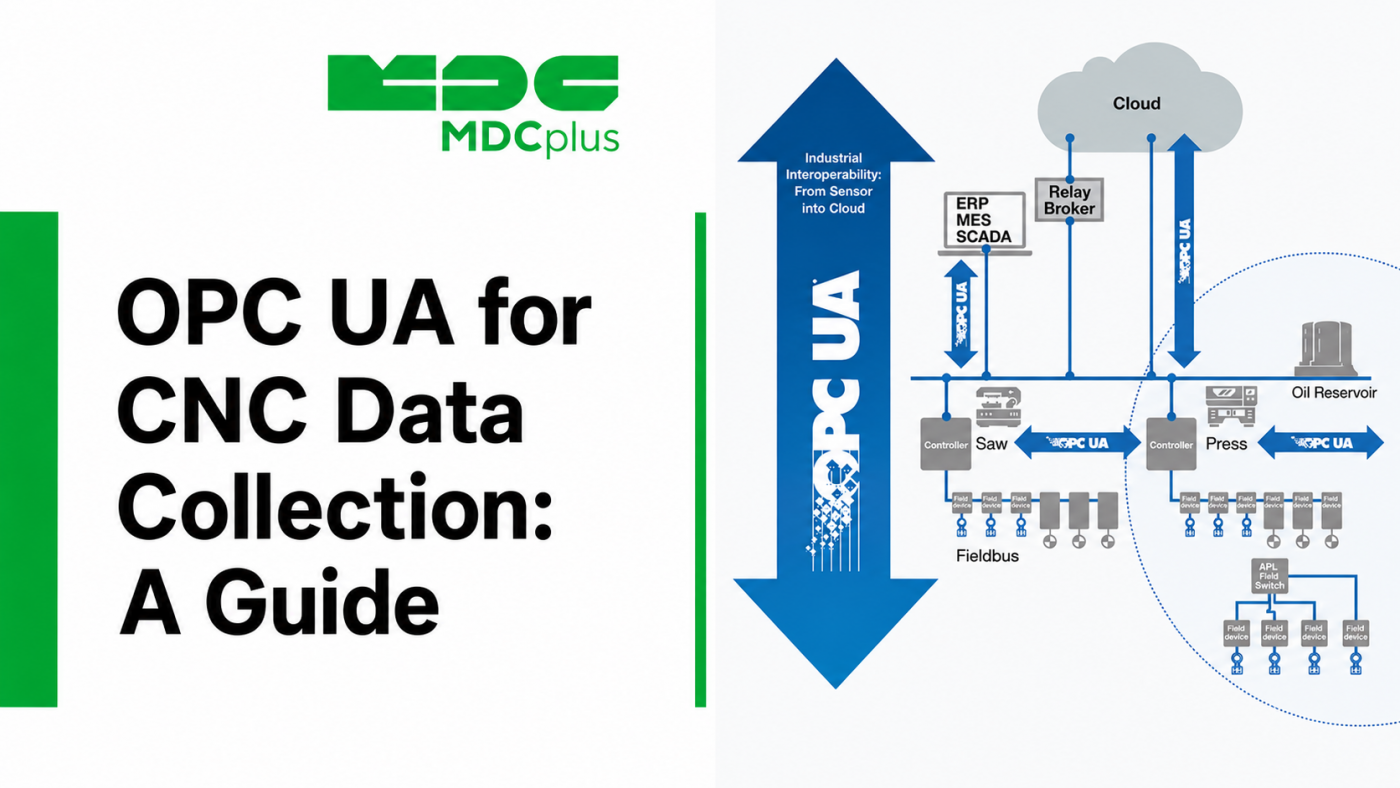
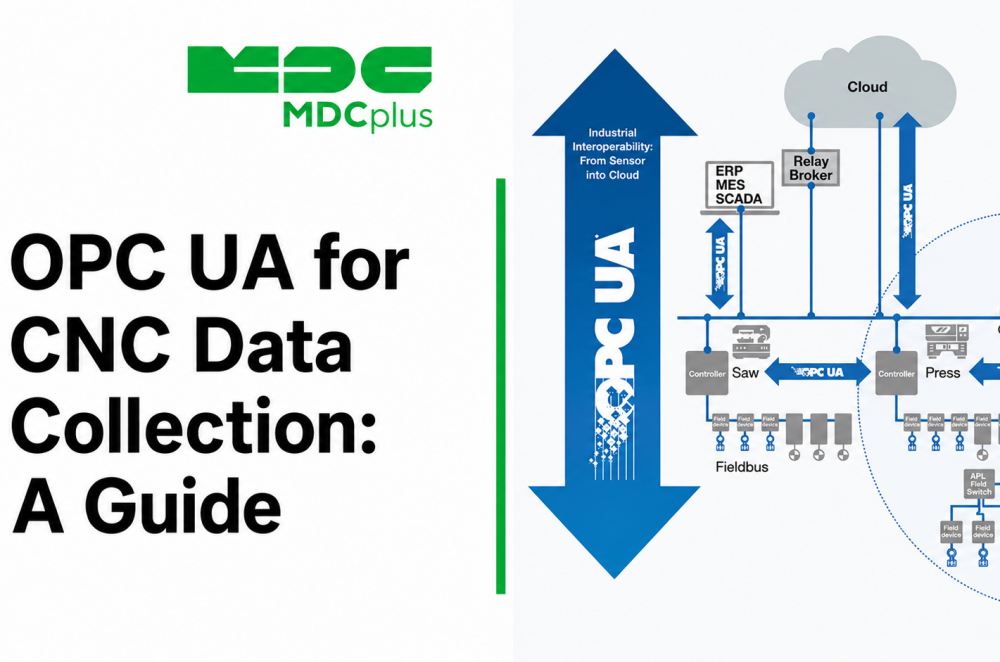
Why OPC UA becomes popular for CNC data collection?
OPC UA keeps coming up in conversations about CNC connectivity, but most of the material available is written for automation engineers, not for someone trying to figure out whether it is the right way to pull data off a machining center. This guide explains how OPC UA actually applies to CNC equipment specifically — what it gives you, what it takes to set up, and where it still depends on the controller vendor.
Contents:
- What OPC UA is, in CNC terms
- Architecture: servers, clients, and the address space
- The OPC UA Companion Specification for CNC
- What data you can actually collect
- Setting up OPC UA data collection: a practical path
- Security: why OPC UA is different here
- Common pitfalls
- Frequently asked questions
- Conclusion
What OPC UA is, in CNC terms
OPC UA (Open Platform Communications Unified Architecture) is a vendor-neutral framework for exchanging data between industrial systems. On a CNC machine, an OPC UA server runs on or alongside the controller and exposes an "address space" — a structured model of everything the controller is willing to share: axis positions, spindle load, program state, alarms, and more, depending on what the vendor has implemented. A client application, such as a monitoring platform or MES, connects to that server, browses the address space, and reads or subscribes to the values it needs.
We compare OPC UA to MTConnect in more depth in a separate article; the short version is that OPC UA is broader and supports two-way communication, while MTConnect is a narrower, read-only standard built specifically for machine tools.
Architecture: servers, clients, and the address space
- OPC UA server — runs on the controller (or on an edge device sitting between the controller and the network) and exposes data according to an information model. Some CNC vendors, notably Siemens, ship this natively; others require a third-party or edge-based server.
- Address space — a hierarchical model of nodes (variables, objects, methods) representing the machine's structure and current state. A client can browse this tree to discover what is available, rather than needing a hard-coded list of tags in advance.
- Client — the monitoring or MES application that connects to the server, reads values on demand, or subscribes to receive updates when a value changes.
- Companion specifications — domain-specific extensions that standardize what the address space should contain for a given equipment type, so that a "spindle speed" node means the same thing across different vendors' implementations.
The OPC UA Companion Specification for CNC
The base OPC UA specification does not, by itself, define what a CNC-specific address space should look like — that is the role of the OPC UA for Machinery and CNC Companion Specifications, developed with input from CNC controller and machine tool organizations. These define a standardized information model for things like axis groups, channels, program execution state, and tool data, so that a client written against the companion spec can, in theory, work across machines from different vendors without custom mapping.
In practice, adoption is uneven. Support for the companion specification depends on the controller vendor and firmware version, and some vendors expose a proprietary address space alongside or instead of the standardized one. Before assuming a machine is "OPC UA ready" for CNC data collection, it's worth confirming which model — standardized companion spec or vendor-specific — its server actually implements.
What data you can actually collect
| Data category | Examples | Notes |
|---|---|---|
| Execution state | Program name, running / stopped / held, cycle status | Generally well supported across vendors |
| Axis and motion data | Position, feed rate, override values | Depth of detail varies by controller and firmware |
| Spindle data | Speed, load, override | Usually available where a companion-spec server is implemented |
| Alarms and conditions | Active alarm codes, severity, timestamps | Format and detail differ by vendor |
| Tool data | Active tool number, offsets, tool life counters | Less consistently exposed; often the first thing missing on older servers |
Setting up OPC UA data collection: a practical path
- Confirm server availability. Check whether the controller has a built-in OPC UA server, requires a vendor-supplied add-on package, or needs a third-party edge server to bridge a proprietary interface.
- Review the address space before committing. Use an OPC UA client (many free browsing tools exist) to connect and see what nodes are actually exposed — this tells you quickly whether the server follows the companion specification or a custom model.
- Plan certificate and network setup. OPC UA's security model requires exchanging and trusting certificates between client and server; this needs to be planned before rollout, not improvised machine by machine.
- Map the address space to your monitoring or MES platform. Even with a companion-spec server, the receiving software still needs configuration to know which nodes map to which KPIs or dashboard fields.
- Validate against the machine. Confirm that reported states match what's actually happening on the floor before building alerts or reports on top of the data.
Security: why OPC UA is different here
Unlike some older machine-tool protocols, OPC UA was designed with security as part of the specification rather than left entirely to the network. It supports certificate-based authentication between client and server, message signing, and encryption, with configurable security policies. This matters in a CNC context because a server that can accept write operations (not just reads) is, in effect, a control interface — and needs to be locked down accordingly. Even in read-only monitoring setups, it's worth configuring authentication and encryption rather than relying solely on network isolation, since OT network segmentation can and does get bypassed by misconfiguration elsewhere.
Common pitfalls
- Assuming "OPC UA support" means the full companion spec. Some vendors expose only a minimal or proprietary address space under the OPC UA label; always verify what's actually there.
- Underestimating certificate management at scale. Manually trusting certificates on a handful of machines is manageable; doing it across a large fleet without a plan becomes an ongoing maintenance burden.
- Treating OPC UA as monitoring-only by default. Because the protocol supports write access, it's worth explicitly confirming and restricting what a given client connection is allowed to do, rather than assuming read-only behavior.
- Skipping validation against real machine behavior. A well-formed address space doesn't guarantee the underlying values update as expected in every controller state; test before relying on the data operationally.
Frequently asked questions
Do I need a license to use OPC UA?
The specification itself is free and royalty-free. Some vendor toolkits, SDKs, or pre-built server/client software used to implement OPC UA carry commercial licensing, so cost depends on the specific tools chosen, not the standard itself.
Can I use OPC UA on a CNC machine that doesn't have a native server?
Often yes, through an edge device or gateway that reads the machine's native interface and republishes it as an OPC UA server. This adds a component to maintain, but is a common approach for machines without built-in support.
Is OPC UA data collection the same across all CNC vendors?
No. Even where a controller supports OPC UA, the depth of the address space and adherence to the CNC Companion Specification varies by vendor and firmware version. Always verify what a specific server exposes rather than assuming parity across brands.
Does using OPC UA mean my monitoring system can also control the machine?
Only if the server is configured to allow write access and the client is granted permission to use it. Read-only monitoring is a common and recommended configuration for data collection use cases; write access should be deliberately scoped and secured, not enabled by default.
Conclusion
OPC UA gives manufacturers a vendor-neutral, secure way to pull structured data off CNC equipment, but "OPC UA support" on a spec sheet doesn't guarantee a specific depth of data or full companion-specification compliance. The practical path is to check what a given controller's server actually exposes, plan certificate and security setup before rollout, and treat write access as something to explicitly scope rather than assume. Done that way, OPC UA fits well into a mixed shop floor where CNC machines sit alongside PLCs, robots, and other automation already speaking the same standard.
Related articles:
- MTConnect vs OPC UA: Which Standard Should You Use?
- Integrating Siemens OPC UA in Advanced Manufacturing
- ISA-95 for Manufacturing: A Practical Overview
- MDCplus Machine Connectivity & Integrations
About MDCplus
Our key features are real-time machine monitoring for swift issue resolution, power consumption tracking to promote sustainability, computerized maintenance management to reduce downtime, and vibration diagnostics for predictive maintenance. MDCplus's solutions are tailored for diverse industries, including aerospace, automotive, precision machining, and heavy industry. By delivering actionable insights and fostering seamless integration, we empower manufacturers to boost Overall Equipment Effectiveness (OEE), reduce operational costs, and achieve sustainable growth along with future planning.
Ready to increase your OEE, get clearer vision of your shop floor, and predict sustainably?
Other articles
14.08.2026
How Do You Build a Mobile Dashboard Plant Managers Actually Use?
Building a mobile-first Tailwind PWA for plant managers: what belongs on a phone screen, offline behavior, push notifications, and prompts for an executive manufacturing dashboard
Read more
13.08.2026
How Do You Create Manufacturing KPI Widgets with Cursor and v0.dev?
Using v0.dev to generate manufacturing KPI widgets and Cursor to wire them into an existing dashboard repo: the two-tool workflow, prompts for scrap rate and MTTR/MTBF, and integration pitfalls
Read more
12.08.2026
How Do You Build a 3D Shop Floor Map Driven by Live PLC Data?
Building a 3D shop floor map with React Three Fiber: preparing CAD geometry for the web, mapping PLC tags to mesh colors, performance limits, and when 3D is the wrong choice.
Read more
11.08.2026
How Do You Design an Andon Display For Shop-Floor Using AI?
Prompting UI/UX for shop floor Andon displays: type scale for distance viewing, colorblind-safe status coding, glare and glove constraints, and prompts that produce factory-ready screens
Read more
10.08.2026
How Do You Get Live OPC UA Machine Data into Retool?
How to vibe-code a Retool custom component that streams live OPC UA machine data over WebSockets: the bridge service, security boundaries, and prompts for each layer
Read more