Connecting Heidenhain? Use MDCplus library
Try it yourself Get guided demo06 July 2026
Heidenhain DNC and Data Interfaces
How Heidenhain DNC and data interfaces work: LSV2, the RemoTools SDK, what data is available across TNC controller generations, and how to set up data collection
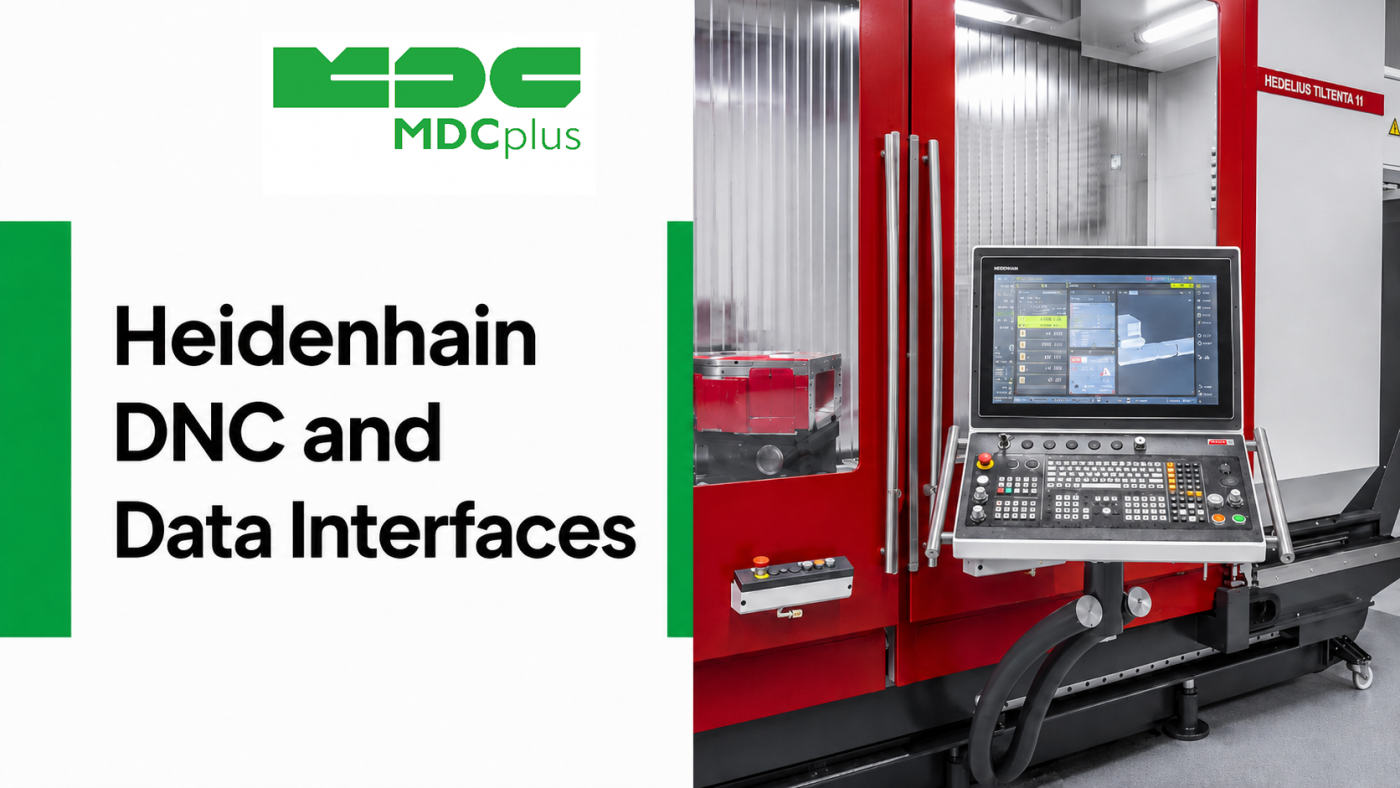
Where are Heidenhain DNC typically installed?
Heidenhain controllers are common on precision milling and grinding equipment, and connecting them for monitoring or DNC purposes tends to raise the same set of questions: what protocol do I actually use, does it depend on the TNC generation, and do I need Heidenhain's own toolkit to build anything. This article walks through how Heidenhain's DNC and data interfaces actually work, what data is realistically available, and what it takes to set up a connection.
Contents:
- What "DNC" means on a Heidenhain controller
- How the interface works: LSV2 and the RemoTools SDK
- Differences across TNC controller generations
- What data you can collect
- Setting up a data connection: a practical path
- Common implementation challenges
- Frequently asked questions
- Conclusion
What "DNC" means on a Heidenhain controller
DNC (Direct Numerical Control) originally referred to transferring NC programs to a machine directly from an external computer rather than loading them from local storage. On Heidenhain TNC controllers, the term has broadened in practice: the same underlying interface that handles program transfer is also what monitoring software uses to read machine status, so "DNC connection" and "data interface" often refer to the same communication channel, just used for different purposes — sending programs in one direction, reading status and diagnostic data in the other.
How the interface works: LSV2 and the RemoTools SDK
- LSV2 is Heidenhain's proprietary communication protocol used for DNC and remote access on TNC controllers. It runs over a serial connection on older machines or over Ethernet (TCP/IP) on newer ones, and defines the commands used to transfer files, read machine state, and interact with the control remotely.
- RemoTools SDK is Heidenhain's official software development kit for building applications on top of LSV2 — it exposes functions for reading NC programs, status values, and diagnostic data without requiring a developer to implement the LSV2 protocol from scratch.
- Third-party and open implementations of LSV2 also exist, since parts of the protocol have been documented outside Heidenhain's official SDK, but coverage and reliability vary and official support is limited to the RemoTools SDK.
In practical terms, most monitoring platforms and DNC software connect to a Heidenhain controller either through the RemoTools SDK directly or through a vendor's own implementation built on top of LSV2.
Differences across TNC controller generations
Not all Heidenhain controllers expose the same level of data or support the same connection method equally well:
- Older iTNC controllers (such as iTNC 530) typically support LSV2 over serial or Ethernet, but with a more limited set of readable data points than newer generations.
- TNC 640 and similar mid-generation controllers generally offer broader LSV2/Ethernet support and more accessible status data.
- TNC7 and current-generation controllers extend connectivity options further, and Heidenhain has been expanding support for open standards like OPC UA alongside its proprietary interfaces on newer platforms.
Before scoping a connectivity project, it's worth confirming the exact controller model and software version, since the same "TNC" family name can span a wide range of actual capability.
What data you can collect
| Category | Examples |
|---|---|
| Program and execution status | Active program, run/stop/hold state, current block |
| Axis data | Position, feed rate, in some configurations servo load |
| Spindle data | Speed, load, override |
| Alarms and messages | Active error and warning messages from the control |
| Tool data | Active tool, tool table values, where exposed by the controller generation |
| File transfer | Uploading and downloading NC programs (the original DNC function) |
Setting up a data connection: a practical path
- Identify the exact controller model and firmware. This determines whether Ethernet-based LSV2 is available, or whether you're working with an older serial-only setup.
- Confirm network access is enabled on the control. Some Heidenhain controllers ship with remote access options disabled by default and need configuration, sometimes by a service technician, before an external connection is possible.
- Decide between the RemoTools SDK and a ready-made connector. Building directly against the SDK gives full control but requires development work; a monitoring platform with an existing Heidenhain connector avoids that but depends on what data points it already supports.
- Test data availability against the actual machine. Confirm which status values and tool/program data are genuinely exposed on your specific controller before designing dashboards or alerts around them.
- Plan network security. LSV2 over Ethernet should sit behind the same OT network controls as any other machine-level interface — segmentation, firewalling, and restricted access rather than an open connection to the shop floor network.
Common implementation challenges
- Mixed controller generations in one fleet. A shop with both older iTNC and newer TNC7 controllers may need to support more than one connection method rather than a single approach across every machine.
- Remote access disabled by default. Some controllers arrive with DNC/remote functions turned off for security reasons, requiring configuration before any connection attempt will succeed.
- Inconsistent data depth across models. A data point available on a TNC 640 may simply not exist on an older iTNC 530, which affects what dashboards or KPIs can realistically be built across a mixed fleet.
- Confusing DNC (file transfer) with full status monitoring. Some tools labeled "DNC software" focus mainly on program transfer and offer limited real-time status data; it's worth confirming which capability a given tool actually provides before assuming it covers monitoring needs.
Frequently asked questions
Do I need Heidenhain's RemoTools SDK to connect to a TNC controller?
Not necessarily. The RemoTools SDK is the official way to build a custom connector, but many monitoring platforms already include a maintained Heidenhain connection method, which avoids the need to develop against the SDK directly.
Does LSV2 work the same way on all Heidenhain controllers?
No. Older iTNC controllers may rely on serial connections with a more limited data set, while newer TNC generations generally support Ethernet-based LSV2 with broader access. Always confirm capability against the specific model and firmware.
Is Heidenhain moving toward open standards like OPC UA or MTConnect?
Newer Heidenhain controller generations have added support for open connectivity standards alongside the proprietary LSV2 interface, but adoption and depth of support vary by model. Proprietary DNC/LSV2 access remains widely used, especially on the large installed base of older controllers.
Can DNC be used to both send programs and read machine status?
Yes. The same underlying interface generally handles both functions — transferring NC programs to the machine and reading status data back — though a given software tool may only implement one side of that depending on what it was built for.
Conclusion
Heidenhain connectivity comes down to LSV2, either accessed directly through the RemoTools SDK or through a monitoring platform's existing connector, with real differences in what's available depending on the TNC controller generation. Before scoping a project, confirm the exact controller model, whether remote access is enabled, and which data points are genuinely exposed — the "TNC" name alone doesn't guarantee a consistent feature set across a mixed fleet.
Related articles:
- How to Start Monitoring Heidenhain CNC for Free
- Heidenhain CNC Error Codes Explained
- OEM CNC Protocol Licensing Guide
- MTConnect Explained: How the Manufacturing Data Standard Works
- MDCplus Machine Connectivity & Integrations
About MDCplus
Our key features are real-time machine monitoring for swift issue resolution, power consumption tracking to promote sustainability, computerized maintenance management to reduce downtime, and vibration diagnostics for predictive maintenance. MDCplus's solutions are tailored for diverse industries, including aerospace, automotive, precision machining, and heavy industry. By delivering actionable insights and fostering seamless integration, we empower manufacturers to boost Overall Equipment Effectiveness (OEE), reduce operational costs, and achieve sustainable growth along with future planning.
Ready to increase your OEE, get clearer vision of your shop floor, and predict sustainably?
Other articles
14.08.2026
How Do You Build a Mobile Dashboard Plant Managers Actually Use?
Building a mobile-first Tailwind PWA for plant managers: what belongs on a phone screen, offline behavior, push notifications, and prompts for an executive manufacturing dashboard
Read more
13.08.2026
How Do You Create Manufacturing KPI Widgets with Cursor and v0.dev?
Using v0.dev to generate manufacturing KPI widgets and Cursor to wire them into an existing dashboard repo: the two-tool workflow, prompts for scrap rate and MTTR/MTBF, and integration pitfalls
Read more
12.08.2026
How Do You Build a 3D Shop Floor Map Driven by Live PLC Data?
Building a 3D shop floor map with React Three Fiber: preparing CAD geometry for the web, mapping PLC tags to mesh colors, performance limits, and when 3D is the wrong choice.
Read more
11.08.2026
How Do You Design an Andon Display For Shop-Floor Using AI?
Prompting UI/UX for shop floor Andon displays: type scale for distance viewing, colorblind-safe status coding, glare and glove constraints, and prompts that produce factory-ready screens
Read more
10.08.2026
How Do You Get Live OPC UA Machine Data into Retool?
How to vibe-code a Retool custom component that streams live OPC UA machine data over WebSockets: the bridge service, security boundaries, and prompts for each layer
Read more