Connecting Sinumerik is easier with MDCplus
Try it yourself Get guided demo13 July 2026
Siemens SINUMERIK Connectivity Options
SINUMERIK connectivity options compared: native OPC UA, S7 communication, Sinumerik Integrate, and edge-based alternatives, with guidance on what data each option gives you
Are there Siemens SINUMERIK connectivity options?
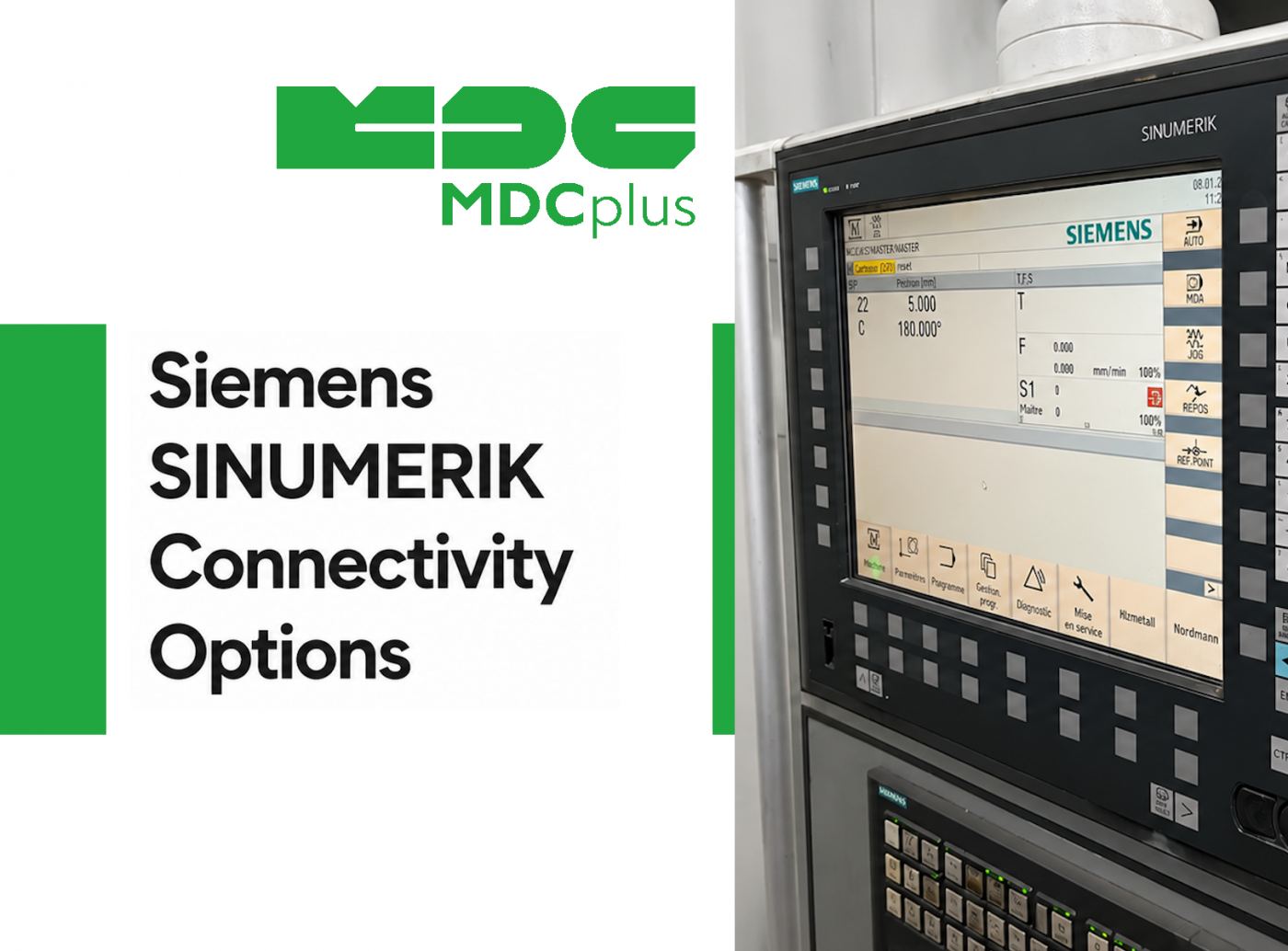
Siemens has taken a different approach to connectivity than most other CNC brands: instead of relying mainly on a single proprietary library, SINUMERIK controllers typically offer several parallel routes into the same data, with native OPC UA as the standout option. That variety is useful, but it also means the question "how do I connect to my SINUMERIK machine" doesn't have one universal answer. This article walks through the actual options, what each one gives you, and how to choose between them.
Contents:
- Why SINUMERIK connectivity looks different
- Native OPC UA
- S7 communication
- Sinumerik Integrate and related Siemens tools
- What data is available through each option
- Choosing the right option
- Common implementation challenges
- Frequently asked questions
- Conclusion
Why SINUMERIK connectivity looks different
Because Siemens builds both the CNC controller and a large share of the industrial automation stack around it (PLCs, HMIs, SCADA), SINUMERIK controllers have historically had more built-in connectivity than machines from CNC-only vendors. On current-generation controllers, that mainly shows up as strong native support for OPC UA — a general-purpose industrial standard we cover in more depth in a separate comparison with MTConnect and a dedicated OPC UA guide. Alongside OPC UA, SINUMERIK also supports lower-level PLC-oriented access and Siemens' own software tools, which is what makes the connectivity landscape here broader than a single-protocol story.
Native OPC UA
Recent SINUMERIK generations (notably ONE and current 840D sl systems) ship with native OPC UA server support, exposing an address space that covers program execution, axis and spindle data, and alarms without requiring a separate gateway device. This is the connectivity route Siemens has been actively pushing, and it aligns with the broader industry move toward the ISA-95-aligned data models used across MES and ERP integration. As with any OPC UA implementation, the actual depth of the address space and adherence to companion specifications can vary by controller generation and firmware, so it's worth confirming what a specific machine exposes rather than assuming full coverage by default.
S7 communication
Because SINUMERIK controllers are tightly integrated with Siemens SIMATIC PLCs, another common connectivity route is reading data through the S7 communication protocol used across Siemens' PLC family. This gives access to PLC-level variables — which can include machine and process data depending on how the PLC program is structured — using a protocol that's widely supported by third-party industrial software, since S7 communication predates and extends beyond CNC-specific use cases. It requires the data of interest to actually be mapped into PLC memory in a readable form, which depends on how the machine builder configured the PLC program, not just on the controller itself.
Sinumerik Integrate and related Siemens tools
Siemens also offers its own software suite, Sinumerik Integrate, which includes modules for remote access, program management, and analytics (such as Analyze MyPerformance and related components). These tools are built specifically around SINUMERIK controllers and can be a straightforward option when a shop is already standardized on Siemens' own software ecosystem, though they represent a more vendor-specific path than OPC UA and typically come with their own licensing structure separate from the base controller.
What data is available through each option
| Connectivity option | Typical data available | Notes |
|---|---|---|
| Native OPC UA | Program status, axis/spindle data, alarms, conditions | Depth depends on controller generation and companion spec support |
| S7 communication | Whatever is mapped into PLC memory — can include process, machine, or custom data | Requires PLC program mapping; not standardized across machines |
| Sinumerik Integrate | Program management, remote access, performance analytics depending on modules licensed | Siemens-specific software and licensing |
Choosing the right option
- Default to native OPC UA where it's available. On current-generation controllers, it's usually the most standardized and future-proof route, and it aligns with connectivity used elsewhere on the plant floor.
- Use S7 communication when the data you need lives in the PLC, not the CNC layer. Some process or custom data is only mapped at the PLC level, in which case OPC UA on the CNC controller alone won't expose it.
- Consider Sinumerik Integrate if you're already committed to the Siemens software ecosystem. It can reduce integration work when paired with other Siemens tools, at the cost of being a more vendor-specific dependency.
- Check firmware and generation before assuming feature parity. Older SINUMERIK controllers (some 840D and 828D variants) may have more limited OPC UA support than current ONE-generation systems.
Common implementation challenges
- Overlap and duplication across options. The same data point (say, spindle load) can sometimes be read via OPC UA or via S7, and picking both without a clear reason adds unnecessary complexity to a connectivity project.
- PLC program dependency for S7 access. Because S7-based data depends on how a specific machine builder mapped values into PLC memory, the same approach can yield different results on two machines that otherwise look similar.
- Licensing across multiple tools. Between the base controller, OPC UA options, and Sinumerik Integrate modules, it's easy to end up with licensing spread across several Siemens products; scoping this early avoids surprises during rollout.
- Security configuration for OPC UA. As with any OPC UA deployment, certificate management and access scoping need to be planned rather than left to default settings, especially since SINUMERIK's OPC UA server can, depending on configuration, support write access.
Frequently asked questions
Is OPC UA the best option for every SINUMERIK controller?
It's usually the most standardized option on current-generation controllers, but older SINUMERIK models may have limited or no native OPC UA support, in which case S7 communication or Sinumerik Integrate may be more practical.
Can I use MTConnect with a SINUMERIK machine?
Yes, where a machine builder or third party provides an MTConnect adapter, typically reading the underlying data through OPC UA or S7 and republishing it in MTConnect format. Native MTConnect support is less common on SINUMERIK than native OPC UA.
Do I need Siemens software to read data from a SINUMERIK controller?
Not necessarily. OPC UA and S7 communication are both accessible from third-party monitoring platforms without requiring Sinumerik Integrate specifically, though Siemens' own tools are a valid option if you're already using them elsewhere.
Does S7 communication require a separate license from Siemens?
S7 communication itself is a standard part of the Siemens PLC ecosystem, but accessing it typically requires PLC programming knowledge and, depending on the setup, third-party or Siemens communication libraries, which is a different consideration from CNC protocol licensing. Our OEM protocol licensing guide covers licensing considerations that apply across CNC connectivity projects more broadly.
Conclusion
SINUMERIK connectivity isn't a single-protocol decision the way it often is with other CNC brands — native OPC UA, S7 communication, and Siemens' own Integrate suite all give access to overlapping but distinct sets of data. For most new projects, native OPC UA is the sensible default where the controller supports it, with S7 communication filling gaps for PLC-level data and Sinumerik Integrate as an option for shops already standardized on Siemens tools.
Related articles:
- Integrating Siemens OPC UA in Advanced Manufacturing
- How to Start Monitoring Siemens SINUMERIK CNC for Free
- Siemens SINUMERIK CNC Error Codes Explained
- OPC UA for CNC Data Collection: A Guide
- MDCplus Machine Connectivity & Integrations
About MDCplus
Our key features are real-time machine monitoring for swift issue resolution, power consumption tracking to promote sustainability, computerized maintenance management to reduce downtime, and vibration diagnostics for predictive maintenance. MDCplus's solutions are tailored for diverse industries, including aerospace, automotive, precision machining, and heavy industry. By delivering actionable insights and fostering seamless integration, we empower manufacturers to boost Overall Equipment Effectiveness (OEE), reduce operational costs, and achieve sustainable growth along with future planning.
Ready to increase your OEE, get clearer vision of your shop floor, and predict sustainably?
Other articles
14.08.2026
How Do You Build a Mobile Dashboard Plant Managers Actually Use?
Building a mobile-first Tailwind PWA for plant managers: what belongs on a phone screen, offline behavior, push notifications, and prompts for an executive manufacturing dashboard
Read more
13.08.2026
How Do You Create Manufacturing KPI Widgets with Cursor and v0.dev?
Using v0.dev to generate manufacturing KPI widgets and Cursor to wire them into an existing dashboard repo: the two-tool workflow, prompts for scrap rate and MTTR/MTBF, and integration pitfalls
Read more
12.08.2026
How Do You Build a 3D Shop Floor Map Driven by Live PLC Data?
Building a 3D shop floor map with React Three Fiber: preparing CAD geometry for the web, mapping PLC tags to mesh colors, performance limits, and when 3D is the wrong choice.
Read more
11.08.2026
How Do You Design an Andon Display For Shop-Floor Using AI?
Prompting UI/UX for shop floor Andon displays: type scale for distance viewing, colorblind-safe status coding, glare and glove constraints, and prompts that produce factory-ready screens
Read more
10.08.2026
How Do You Get Live OPC UA Machine Data into Retool?
How to vibe-code a Retool custom component that streams live OPC UA machine data over WebSockets: the bridge service, security boundaries, and prompts for each layer
Read more