Network + MDCplus = transparent production
Try it yourself Get guided demo17 July 2026
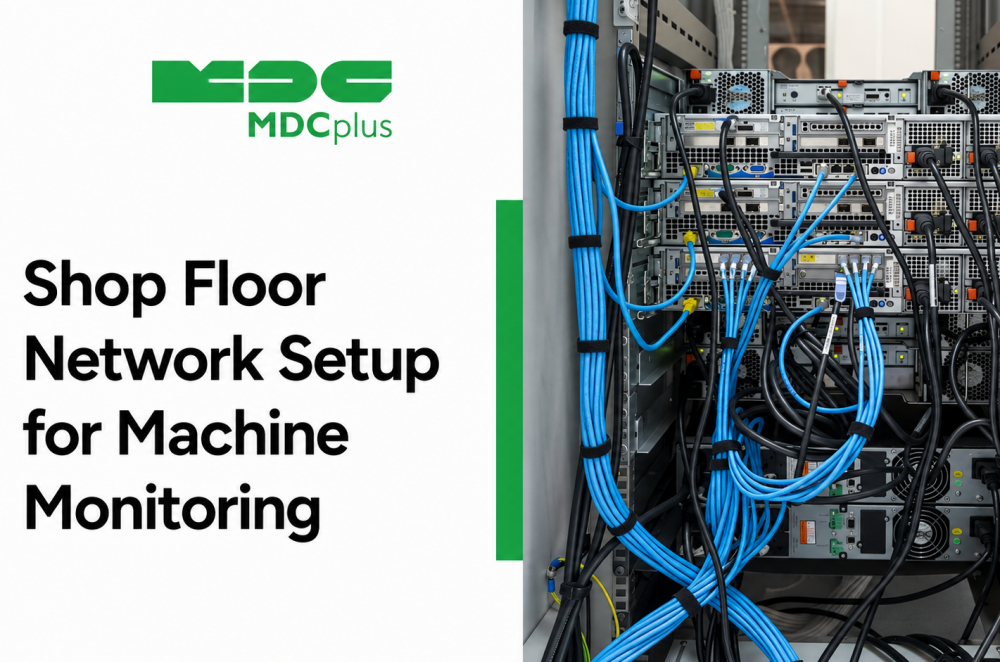
Shop Floor Network Setup for Machine Monitoring
How to design a shop floor network for machine monitoring: IT/OT segmentation, topology, IP addressing, security, and bandwidth planning for CNC and PLC connectivity
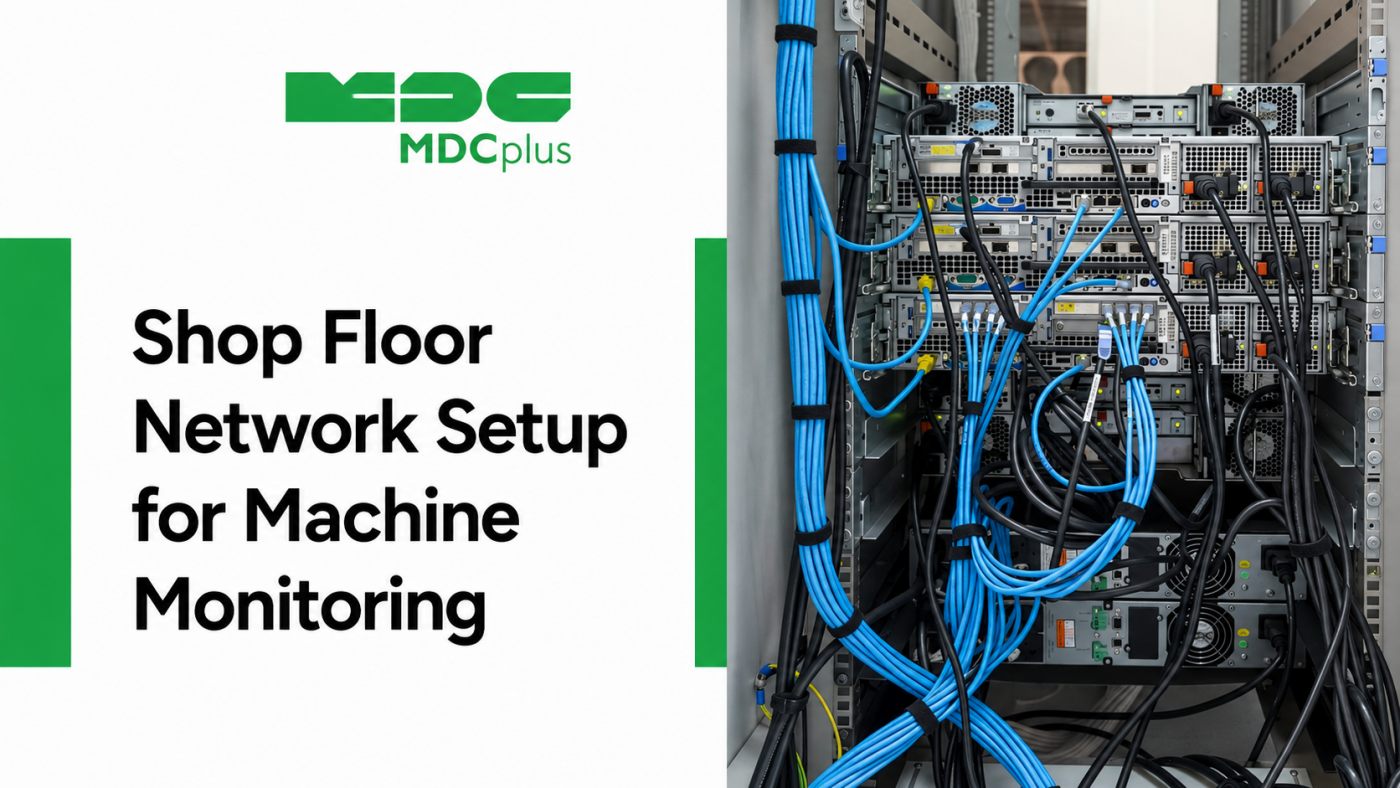
How Does Shop Floor Network Setup Looks like in 2026?
Every protocol covered elsewhere in this series — MTConnect, OPC UA, FOCAS, Modbus TCP — assumes there's a working network underneath it. In practice, the network itself is where a surprising number of connectivity projects run into trouble: machines that can't reach the monitoring server, security teams blocking traffic they weren't told about, or a single flat network where one misbehaving device can affect the whole floor. This article covers how to think about shop floor network design specifically for machine monitoring and data collection.
Contents:
- Why network design matters for monitoring
- IT/OT segmentation basics
- A typical topology for machine monitoring
- IP addressing for machines
- Security: firewalls, access control, and remote connections
- Bandwidth and latency planning
- Common mistakes
- Frequently asked questions
- Conclusion
Why network design matters for monitoring
A monitoring project can pick the right protocol for every machine and still fail if the underlying network wasn't designed for it. Machines added to a corporate IT network without planning can create security exposure; a monitoring server that can't reliably reach every machine's IP address produces gaps in data; and a network with no segmentation means a single compromised or misbehaving device has a path to everything else on the floor. None of the protocol-level work covered elsewhere in this series matters much if the network connecting everything isn't sound.
IT/OT segmentation basics
The starting principle for most shop floor network design is separating operational technology (OT) — machines, PLCs, sensors — from the general corporate IT network, rather than treating the whole plant as one flat network. This is typically done with VLANs (virtual LANs) or physically separate network segments, connected through a firewall or managed switch that controls exactly what traffic is allowed to pass between the two. The goal isn't to make OT devices unreachable — monitoring still needs a path in — but to make that path explicit and controlled rather than open by default. Manufacturers working toward formal compliance often reference the IEC 62443 industrial automation security standard, which covers this kind of segmentation in more structured detail.
A typical topology for machine monitoring
- Managed switches on the OT segment connect machines, PLCs, and edge devices, with VLAN configuration keeping this traffic separate from general office network activity.
- A firewall or router between OT and IT segments controls which specific traffic (typically limited to the monitoring platform's data collection ports) is allowed to cross between them, rather than allowing broad access in either direction.
- Edge devices or gateways, where used, sit close to the machines they connect to and handle protocol translation (for example, reading FOCAS or LSV2 locally and forwarding normalized data outward), reducing the number of machine-facing protocols that need to cross the network boundary directly.
- A monitoring server or cloud connection point receives data from the OT segment, either hosted locally within the plant or reached through a controlled outbound connection if the platform is cloud-based.
This is a star-like topology in most plants: machines connect to local switches, switches connect to a core network device, and a single controlled boundary separates OT from IT rather than machines connecting directly outward on an ad hoc basis.
IP addressing for machines
- Static IP addresses are generally preferred for machines and PLCs being polled by a monitoring system, since a machine's address changing unexpectedly (as can happen with DHCP) breaks the connection until it's manually corrected.
- Keep a documented address map. A simple, maintained record of which IP address belongs to which machine avoids confusion during troubleshooting and when adding new equipment.
- Plan address ranges with room to grow. Allocating a subnet sized only for current machines creates avoidable rework the next time equipment is added.
Security: firewalls, access control, and remote connections
Beyond basic IT/OT segmentation, a few specific points matter for machine monitoring:
- Restrict traffic to specific ports and destinations rather than allowing broad access between OT and IT segments — a monitoring platform typically only needs specific outbound ports open, not general network visibility.
- Treat remote access deliberately. If machine builders, integrators, or support vendors need remote access for maintenance, that should go through a controlled, logged path (such as a VPN with scoped access) rather than a permanently open connection.
- Account for protocols with weak built-in security. As covered in our articles on Modbus TCP and elsewhere in this series, several common industrial protocols have little or no built-in authentication, which makes network-level access control the primary line of defense for that traffic.
- Don't rely on network isolation alone as a permanent security plan. Segmentation reduces exposure, but misconfiguration elsewhere on the network can undermine it; where a protocol supports strong authentication (such as OPC UA's certificate-based security), using it adds a layer that doesn't depend entirely on the network staying correctly configured.
Bandwidth and latency planning
Machine monitoring traffic is generally light compared to office network usage — status polling and periodic updates don't require much bandwidth per machine — but a few factors are worth planning for on larger fleets: polling frequency (more frequent polling of many devices adds up), the number of devices sharing a single switch or uplink, and whether any video-based monitoring (such as camera-based systems) is planned, since that has meaningfully different bandwidth needs than protocol-based data polling. Most shop floor networks handle standard machine monitoring traffic comfortably on typical managed switching equipment; problems tend to arise less from raw bandwidth limits and more from too many devices sharing an under-provisioned network segment.
Common mistakes
- Putting machines directly on the corporate network without segmentation, often done for expedience during an initial trial that then never gets revisited.
- Using DHCP for machine IP addresses, leading to connections silently breaking when an address changes.
- No documented network map, making troubleshooting a new connectivity issue far slower than it needs to be.
- Opening broad access "to make it work" during setup and never tightening it afterward — a common way temporary conveniences become permanent security gaps.
- Ignoring the network entirely during protocol selection, choosing a connectivity method without confirming the underlying network can actually support it reliably at the planned scale.
Frequently asked questions
Do I need a separate physical network for machine monitoring, or is a VLAN enough?
A well-configured VLAN on shared physical infrastructure is sufficient for most shop floors and is the more common approach; a fully separate physical network adds cost and is typically reserved for environments with stricter compliance or security requirements.
Can machine monitoring traffic interfere with other plant operations on the same network?
With proper segmentation and reasonable polling configuration, monitoring traffic is unlikely to meaningfully affect other operations. Problems generally arise from poor network design (everything on one flat segment) rather than from monitoring traffic volume itself.
How do I connect machines to a cloud-based monitoring platform securely?
Typically through a controlled outbound connection from the OT segment, often via an edge device or gateway that initiates the connection outward (rather than allowing inbound connections from the internet directly to machines), combined with encryption in transit.
Is network setup something manufacturers typically handle themselves, or is it usually outsourced?
Both approaches are common. Some manufacturers have in-house IT/OT expertise to handle this directly; others work with an integrator or their monitoring platform's implementation team, particularly for the initial segmentation and security configuration.
Conclusion
Protocol choice gets most of the attention in connectivity planning, but the network carrying that protocol's traffic is what determines whether a monitoring project is reliable and secure in practice. Segmenting OT from IT, using static addressing with a documented map, controlling access deliberately rather than by default, and planning for the actual scale of the fleet are the fundamentals that make every protocol covered elsewhere in this series work the way it's supposed to.
Related articles:
- IEC 62443 Explained for Industrial Automation
- Connecting Machines with No Open Protocol
- OPC UA for CNC Data Collection: A Guide
- Modbus TCP for Machine Monitoring
- MDCplus Machine Connectivity & Integrations
About MDCplus
Our key features are real-time machine monitoring for swift issue resolution, power consumption tracking to promote sustainability, computerized maintenance management to reduce downtime, and vibration diagnostics for predictive maintenance. MDCplus's solutions are tailored for diverse industries, including aerospace, automotive, precision machining, and heavy industry. By delivering actionable insights and fostering seamless integration, we empower manufacturers to boost Overall Equipment Effectiveness (OEE), reduce operational costs, and achieve sustainable growth along with future planning.
Ready to increase your OEE, get clearer vision of your shop floor, and predict sustainably?
Other articles
14.08.2026
How Do You Build a Mobile Dashboard Plant Managers Actually Use?
Building a mobile-first Tailwind PWA for plant managers: what belongs on a phone screen, offline behavior, push notifications, and prompts for an executive manufacturing dashboard
Read more
13.08.2026
How Do You Create Manufacturing KPI Widgets with Cursor and v0.dev?
Using v0.dev to generate manufacturing KPI widgets and Cursor to wire them into an existing dashboard repo: the two-tool workflow, prompts for scrap rate and MTTR/MTBF, and integration pitfalls
Read more
12.08.2026
How Do You Build a 3D Shop Floor Map Driven by Live PLC Data?
Building a 3D shop floor map with React Three Fiber: preparing CAD geometry for the web, mapping PLC tags to mesh colors, performance limits, and when 3D is the wrong choice.
Read more
11.08.2026
How Do You Design an Andon Display For Shop-Floor Using AI?
Prompting UI/UX for shop floor Andon displays: type scale for distance viewing, colorblind-safe status coding, glare and glove constraints, and prompts that produce factory-ready screens
Read more
10.08.2026
How Do You Get Live OPC UA Machine Data into Retool?
How to vibe-code a Retool custom component that streams live OPC UA machine data over WebSockets: the bridge service, security boundaries, and prompts for each layer
Read more